Contents 8 sections
- What Is E-Commerce Order Management?
- Why Is Order Management So Important?
- The 6 Steps of Order Management from Order to Delivery
- Order Management in Multichannel Sales
- Common Mistakes in Order Management
- Which Metrics Should You Use to Measure Your Order Processes?
- Order Management with Faprika
- Frequently Asked Questions
On an e-commerce site, the sale does not end the moment payment is received; that is when the real work begins. Whether an order reaches the right address with the right product within the promised time determines whether the customer will come back to your brand. As order volume grows and the channels you sell on multiply, running this process by hand becomes harder: orders pile up in different panels, stock gets out of sync, and shipments are delayed.
In this guide, we explain step by step what e-commerce order management is, which steps it consists of from order to delivery, what you should watch for in multichannel sales, and how you can automate the process.
What Is E-Commerce Order Management?
E-commerce order management is the planning, monitoring, and execution of all the steps from the moment an order is created until it is delivered to the customer and closed. Receiving the order, checking payment and stock, picking the products in the warehouse, issuing the invoice, handing the parcel to the carrier, informing the customer, and, if needed, handling returns or exchanges are all part of this process.
Well-run order management gives a clear answer at any moment to three questions: Which order is at which stage? How much of which product is left in stock? What information did we give which customer, and when?
Why Is Order Management So Important?
The order process is the part in which the customer is in contact with your brand the longest. Even small glitches at this stage show up directly in customer satisfaction, return rate, and profitability.
- Wrong product shipped: Mixing up similar products or variants (size, color) means both return shipping costs and negative reviews.
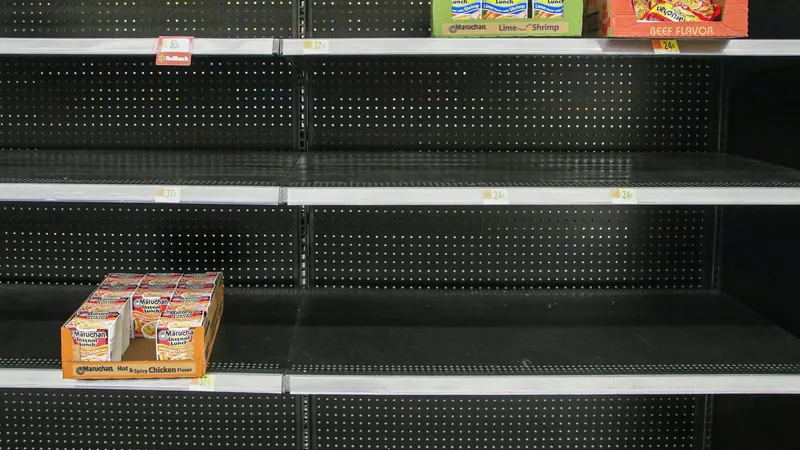
- Selling a product that is out of stock: When selling on multiple channels, if stock is not updated instantly, a sold-out product keeps being sold on another channel.
- Delayed shipments: When orders pile up in different panels and are transferred by hand, preparation time grows and there is a risk of delay penalties and rating loss on marketplaces.
- Customers left uninformed: A customer who doesn't know where their order is calls customer service, and the team's workload increases.
In short, order management is not a back-office task; it is a direct part of sales and brand reputation.
The 6 Steps of Order Management from Order to Delivery
Whatever the industry or product type, an e-commerce order follows basically the same journey. Defining these steps clearly is the first requirement for seeing where you lose time.
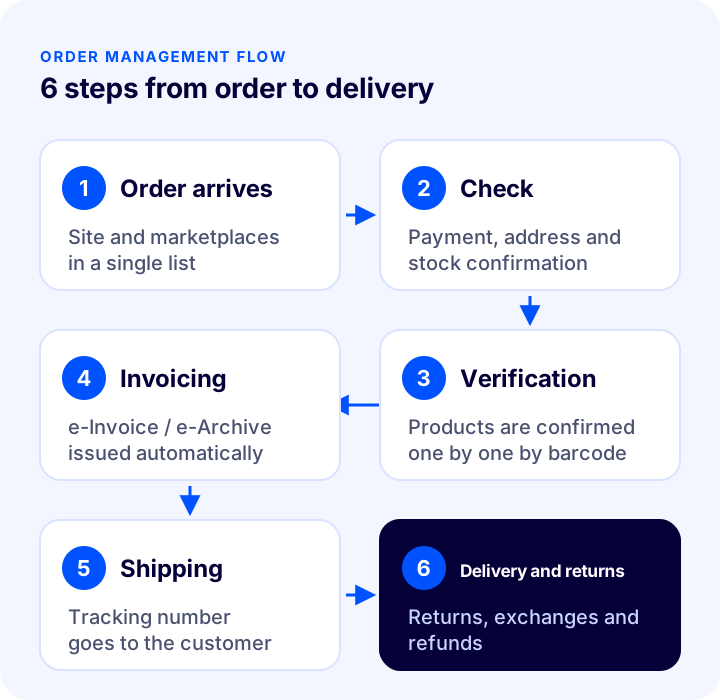
1. Collecting the Order in One Place
Collecting orders from your website, marketplaces, or social media in a single list is the foundation of the process. Logging into each channel's panel separately to check orders both wastes time and leads to missed orders.
2. Payment, Address, and Stock Check
Before the order is prepared, it is checked that payment is complete, the delivery address is complete, and the products are actually in stock. For methods such as bank transfer or cash on delivery, orders awaiting confirmation should be tracked in a separate status.
3. Order Verification and Product Picking
As products are picked from the warehouse, they are verified to match the order exactly. Having the products' warehouse locations defined in the system shortens picking time; verification by barcode largely prevents shipping the wrong product or the wrong variant.
4. Invoicing
The invoice for the verified order is issued. For businesses that use e-Invoice and e-Archive, generating the invoice automatically from the order data reduces both the error rate and the accounting workload. When order volume is high, issuing invoices in bulk according to certain criteria rather than one by one saves considerable time.
You can go even further and tie invoicing fully to automation: the invoice is issued automatically when the order is handed to the carrier or reaches the customer. For marketplace orders, the issued invoice is also uploaded automatically to platforms such as Trendyol and Hepsiburada; the task of logging into each marketplace panel to upload invoices disappears.
5. Shipping and Customer Notification
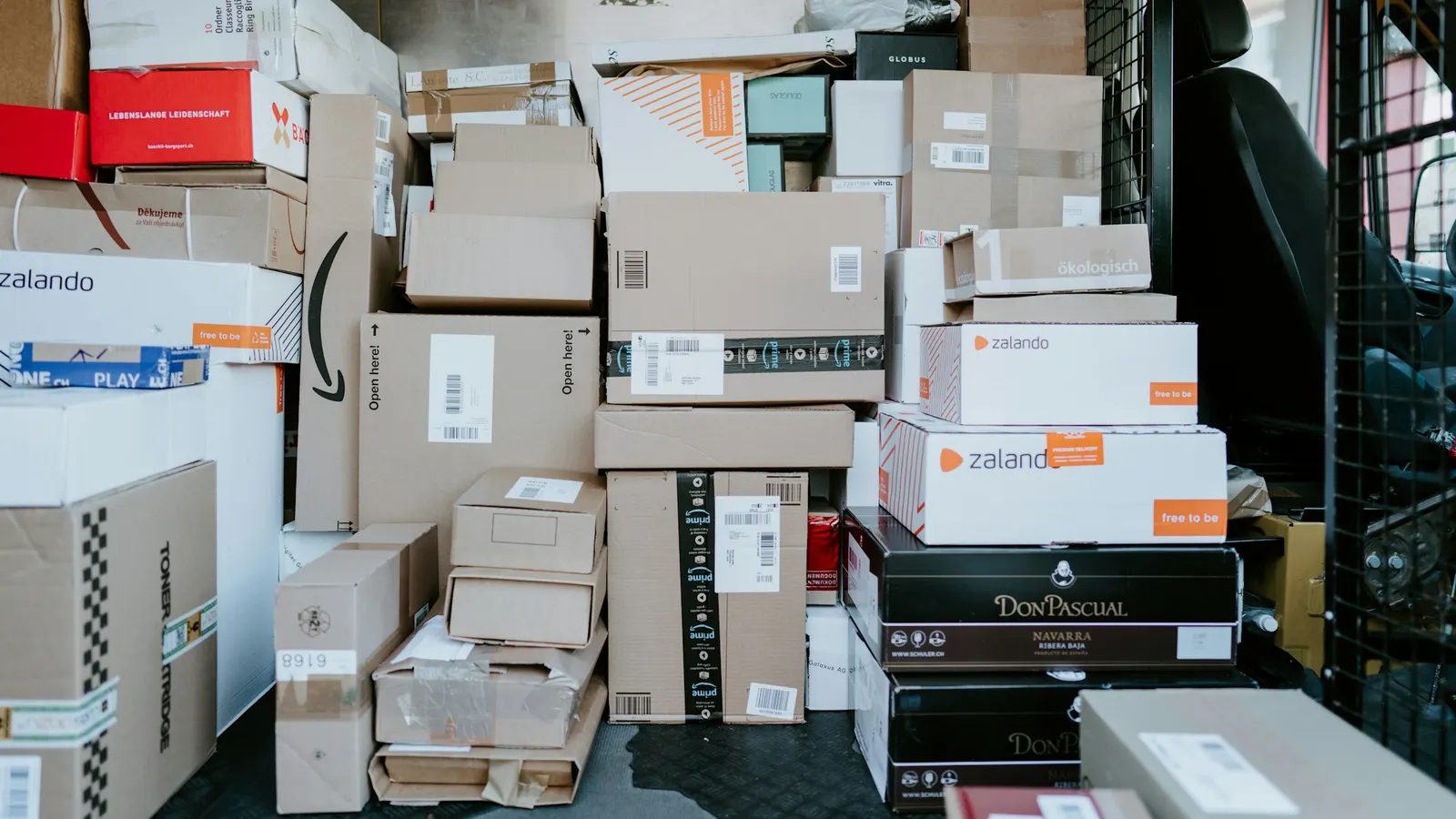
The packed order is handed over to the carrier and the tracking number is shared with the customer. With a shipping integration, the shipment record is created from the panel, tracking details are written to the order automatically, and the customer is notified at every stage. Defining each product's desi and weight makes sure the shipping fee is calculated correctly at the moment of the order.
6. Delivery, Returns and Exchanges
Delivery closes the order, but the process doesn't always end there. Return and exchange requests are also part of order management: putting returned products back into stock, issuing the refund and informing the customer should all follow the same routine. An easy and fast return process is one of the strongest reasons a customer chooses you again next time.
Order Management in Multichannel Selling
If you sell not only on your own site but also in a physical store, on social media accounts such as Instagram, or on marketplaces such as Trendyol, Hepsiburada, Amazon and n11, the most critical point of order management is consistency across channels. Every channel has its own panel, its own order statuses and its own shipping rules. Managing each of these panels separately becomes unsustainable as sales grow.
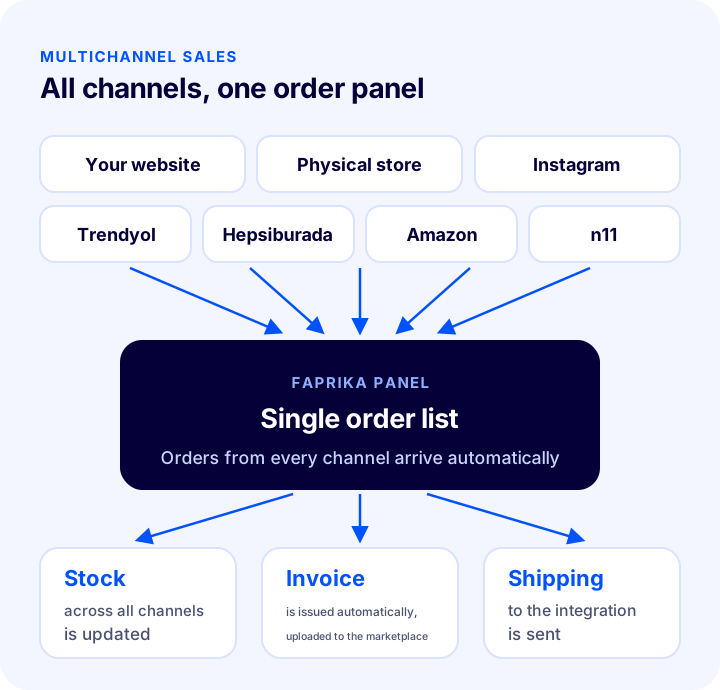
The solution is for orders from all channels to flow automatically into a single panel, and for the stock of a product sold on one channel to be updated instantly on the others. This removes the risk of selling the same product twice, and your team works from a single screen.
Okumanızı öneririzPazaryerleri ve E-Ticaret Siteleri İçin Stok Kodunun ÖnemiCommon Mistakes in Order Management
- Transferring orders manually: Entering marketplace orders by hand into a spreadsheet or another program takes time and is prone to typing errors.
- Updating stock at the end of the day: If orders received during the day aren't reflected in stock instantly, sold-out products keep being sold.
- Relying on a single carrier: Every carrier has regions where it is stronger or more economical. Choosing the carrier by region improves both cost and delivery time.
- Not defining the return process: If it isn't clear who holds the return and at which stage, refunds are delayed and customer complaints increase.
- Not informing the customer: Notifications for order received, shipped and delivered noticeably reduce the questions that reach customer service.
Which Metrics Should You Use to Measure Your Order Processes?
The way to improve order management is to measure the process. Tracking the metrics below regularly shows at which step the bottleneck is.
| Indicator | What does it tell you? |
|---|---|
| Time from order to shipment | Your preparation speed; how long picking, verification and packing take |
| Wrong-shipment rate | The share of wrong product or variant shipments among all orders; whether the verification step is working |
| Return rate and return reasons | Issues related to the product page, size chart or packaging |
| Delivery time | The performance of your carriers by region |
| Cancelled order rate | Stock mismatches and payment issues |
Order Management with Faprika
Faprika e-ticaret altyapısı brings the steps from the moment an order lands in the panel to delivery together in one panel and automates them:
- Marketplace order integration: Orders received on marketplaces land in the Faprika panel automatically; once an order arrives, product stock is also updated on the other marketplaces. For details, see the marketplace integration page.
- Order verification: The products of every order are confirmed; the following steps, such as sending to the shipping integration, notifying the customer and invoicing, are created automatically. Its use is explained in the order verification tutorial.
- Automatic and bulk invoicing: Invoices are issued automatically when the order is handed to the carrier or reaches the customer; invoices for marketplace orders are uploaded automatically to platforms such as Trendyol and Hepsiburada. Orders that meet certain criteria can also be invoiced in bulk, printed and shared with customers. e-Invoice processes run from the same panel.
- Shipping integrations: Every stage of the order is automated; both you and your customers follow the shipping process and receive notifications. With regional shipping management you can assign a carrier by city and district, and with user-based shipping management by customer or customer group.
- Store stock management: With ERP integrations, the stock of your physical stores is also included on your e-commerce site; when an order arrives, a warehouse transfer slip can be created automatically for the relevant store.
- InstaShop: All of your products, or the categories you choose, are showcased and sold on your Instagram profile.
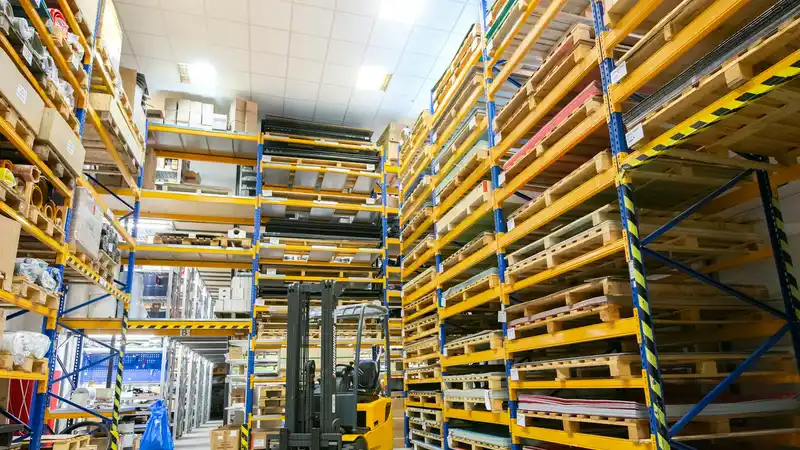
- Warehouse management: The locations of products in the warehouse are defined in the system; order picking and shipping speed up, and a high order volume is handled with fewer staff.
- Bulk operations: Products, orders and shipping processes are updated in bulk with advanced filters, without handling them one by one.
- Faprika Wallet: Amounts to be refunded on a return or exchange can be transferred to the customer's wallet.
If you want to manage all the channels you sell on from a single panel, you can explore the OmniChannel e-commerce solution, and for integrations with carriers, the add-ons page.
Frequently Asked Questions
What is e-commerce order management?
It is the planning and execution of the steps from the creation of an order until it is delivered and closed: checking, picking, verification, invoicing, shipping, returns, and exchanges.
Is it possible to manage marketplace orders from a single panel?
Yes. In an e-commerce infrastructure with marketplace integration, orders from channels such as Trendyol, Hepsiburada and Amazon land automatically in a single panel, and stock is updated across all channels.
How can wrong shipments be prevented?
Verifying the products in an order by barcode before handing them to the carrier, defining the products' locations in the warehouse in the system, and separating variants by stock codes largely prevent wrong shipments.
How are invoices managed as order volume grows?
Invoices can be set to be issued automatically when the order is handed to the carrier or reaches the customer; invoices for marketplace orders are also uploaded automatically to the relevant platform. In addition, orders that meet certain criteria can be invoiced in bulk.
Is order management necessary for small businesses too?
Yes. Even for a business starting with a few orders a day, collecting orders in one place and defining the steps from the start keeps things orderly as you grow.