Catalog
Catalog Management
In this guide, we explain step by step how you can use many important features in your e-commerce platform’s control panel, from product, category and brand management to cart variations. Everything you need to know for success in e-commerce is here.
One of the keys to success in e-commerce is managing your product catalog effectively. Thanks to the comprehensive Catalog Management features Faprika offers, you can easily add, edit and optimize your products. In this training, we will cover the main topics of catalog management in detail, such as Product Management, Category Management, Brand Management and many more. Whether you are just starting out or are an experienced e-commerce entrepreneur, this guide helps you maximize your catalog’s performance.
The "Catalog" tab in the control panel is the center of product management for your e-commerce site. Thanks to the various sections you will find here, you can easily perform many operations, from adding and editing products to categorizing them. Now let’s start examining these important sections in detail.
Product Management
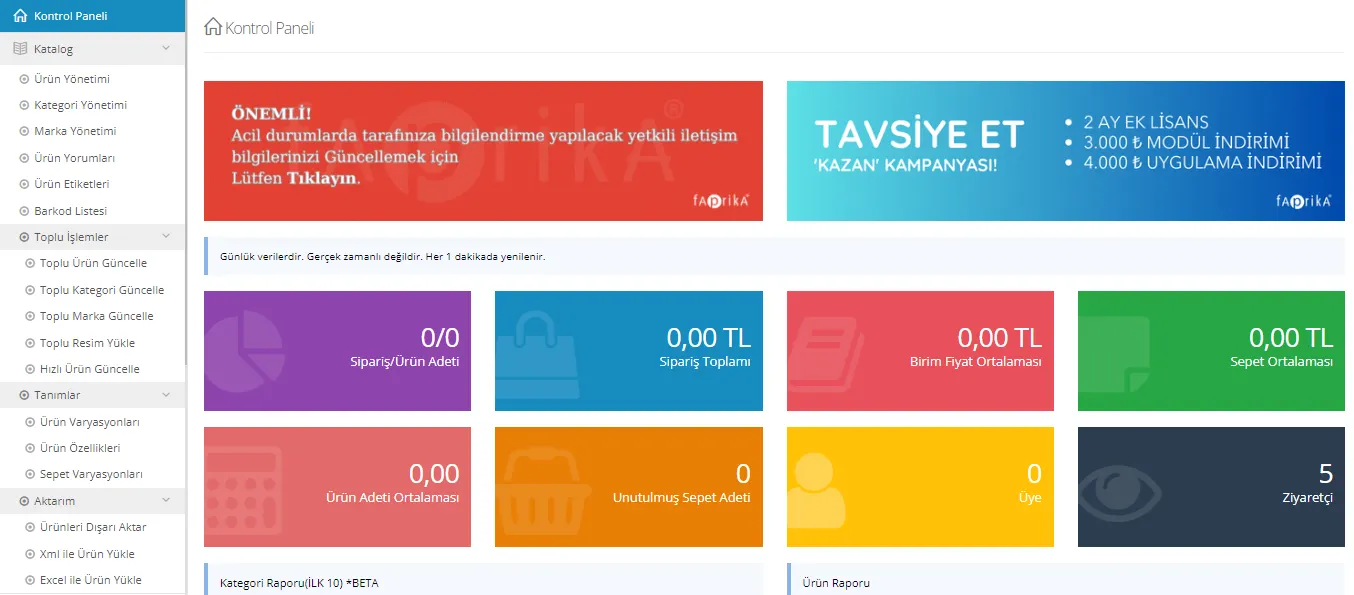
The "Product Management" tab in the control panel is a central point for managing your e-commerce platform. From this section, you can add new products as well as edit or delete existing ones. You can also view products filtered by various criteria. For more information and guidance, you can visit our add new product guide page.
Category Management
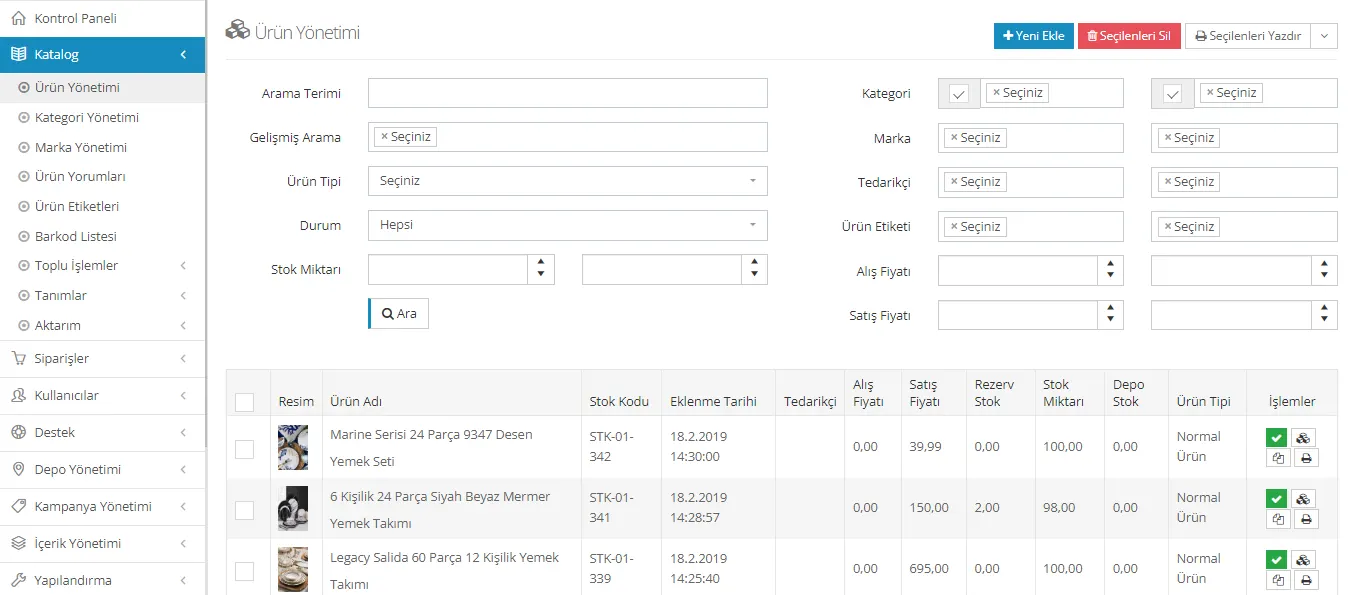
The "Category Management" section of the control panel lets you organize your products more effectively. Here you can create main categories, add subcategories under them, and list the products that belong to a category. For more comprehensive guidance, you can visit the category management training page .
Brand Management
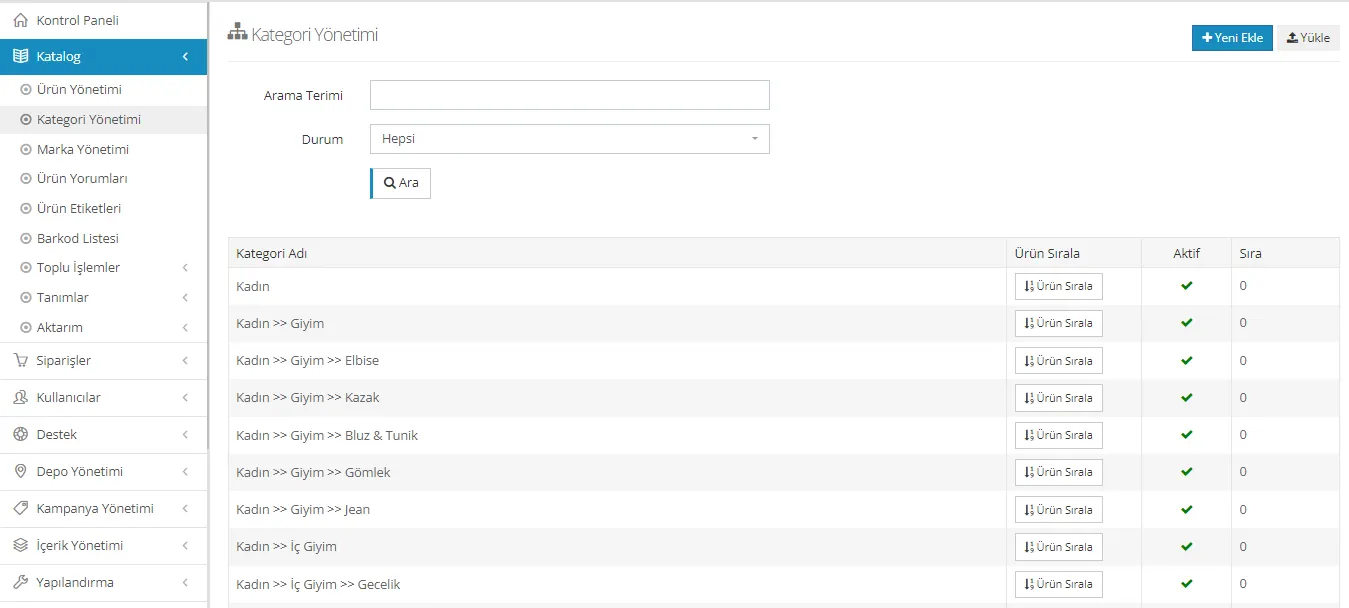
In the "Brand Management" section of the control panel, you can browse the brands that have been added before. In this section, you can also define new brands for your products with the "Add New" option. For more detailed information and guidance, you can visit the brand management training page.
Product Reviews
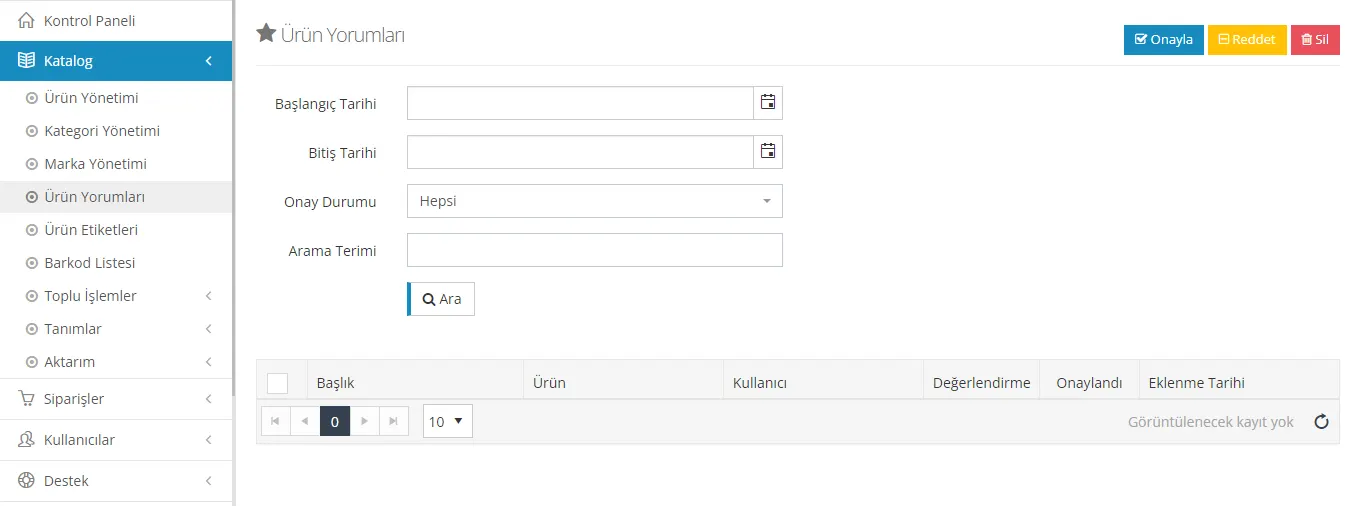
In the "Product Reviews" section of the control panel, you can see the reviews customers have made about products. Here, incoming reviews can be approved or rejected. In addition, customer reviews can be replied to. For more information and guiding content, you can visit the product reviews management training page .
Product Tags
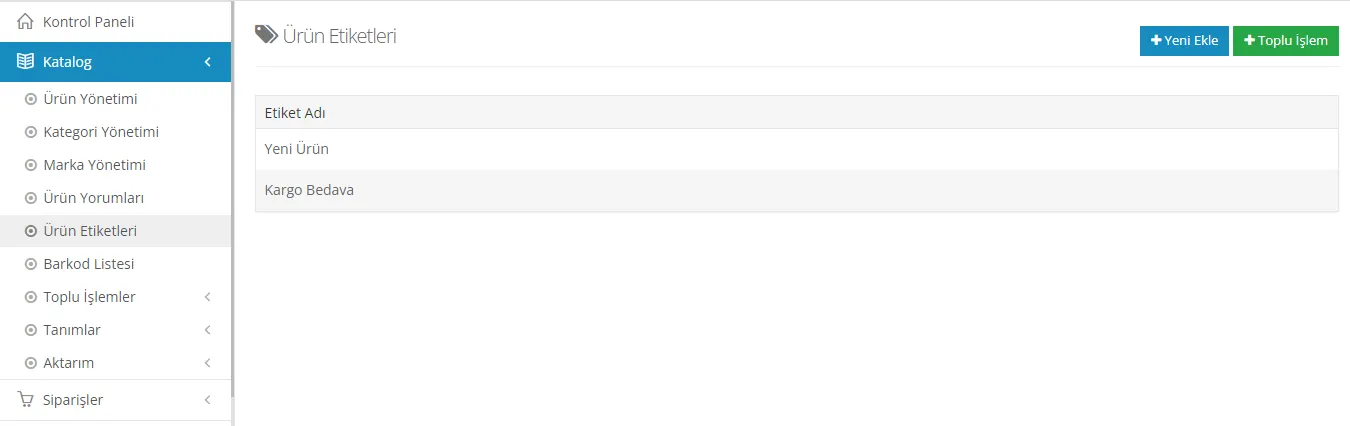
In the "Product Tags" section, defining tags for products is very easy. It is possible to add images to these tags, or tags without images can be created to filter products for different purposes. For example, users who use marketplace platforms can add certain tags and easily transfer those products to marketplaces. For detailed instructions, you can visit the product tags management training page .
Bulk Product Update
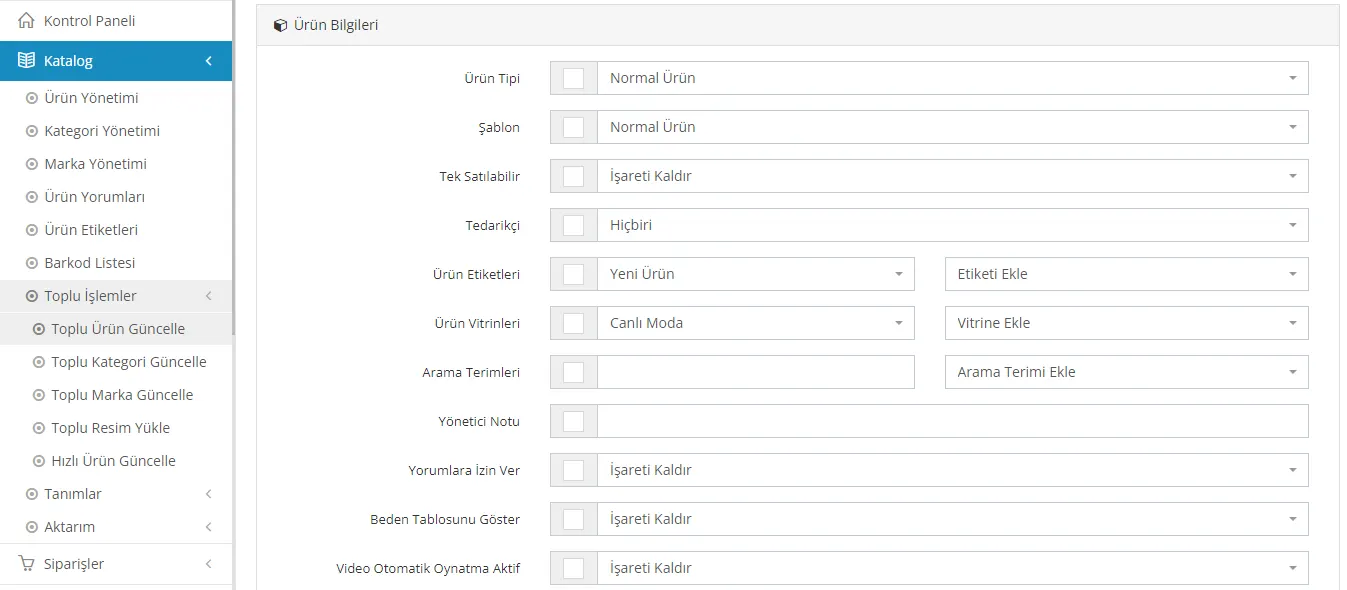
In the "Bulk Product Update" section, users can easily update properties such as category, tag and price for multiple products. By using this feature, you can manage your products much more efficiently. For detailed information, you can visit the bulk product update training page .
Bulk Category Update
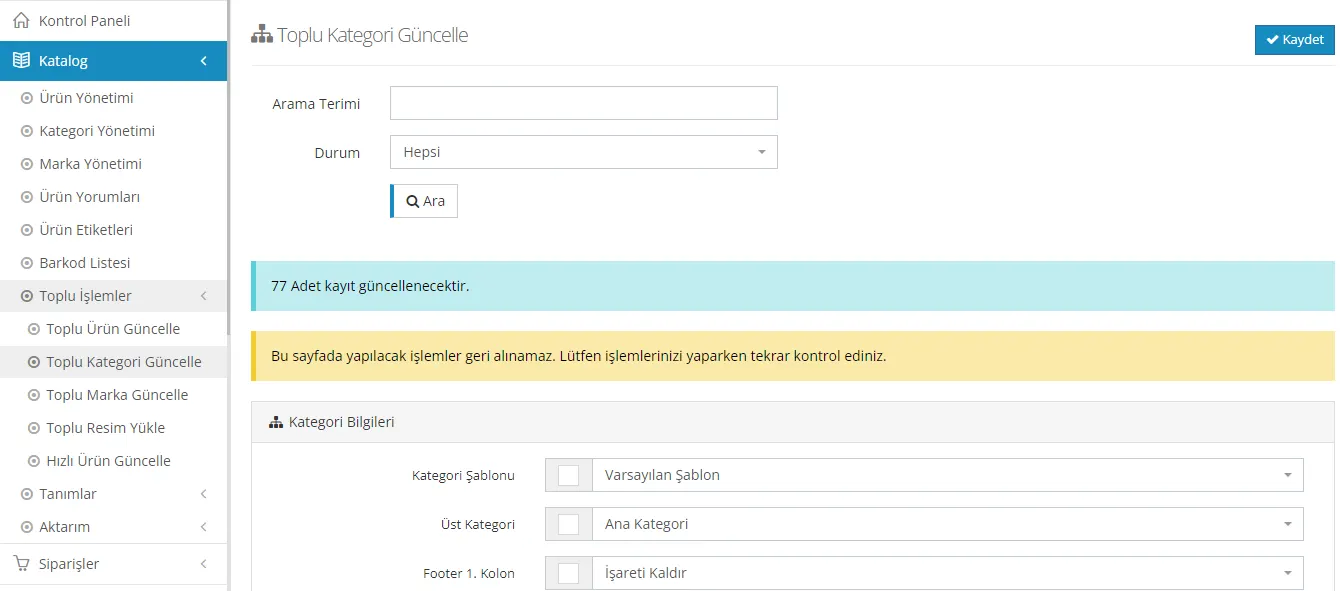
Thanks to the "Bulk Category Update" feature, you can make different updates to multiple categories at the same time. This greatly simplifies the management of your categories. For more information and step-by-step guides, you can visit the bulk category update training page .
Bulk Brand Update
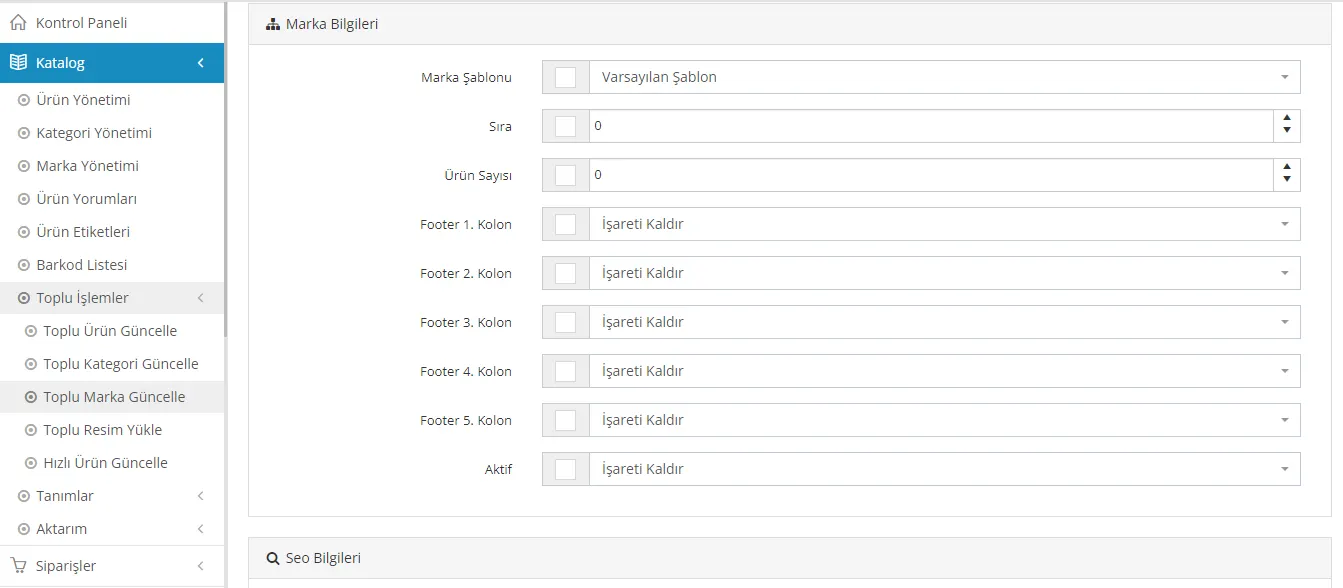
The "Bulk Brand Update" feature makes it possible to manage existing brand records quickly and effectively. This way, you can make various updates to different brands at the same time. If you would like more information, you can visit the Bulk Brand Update Training page.
Bulk Image Upload
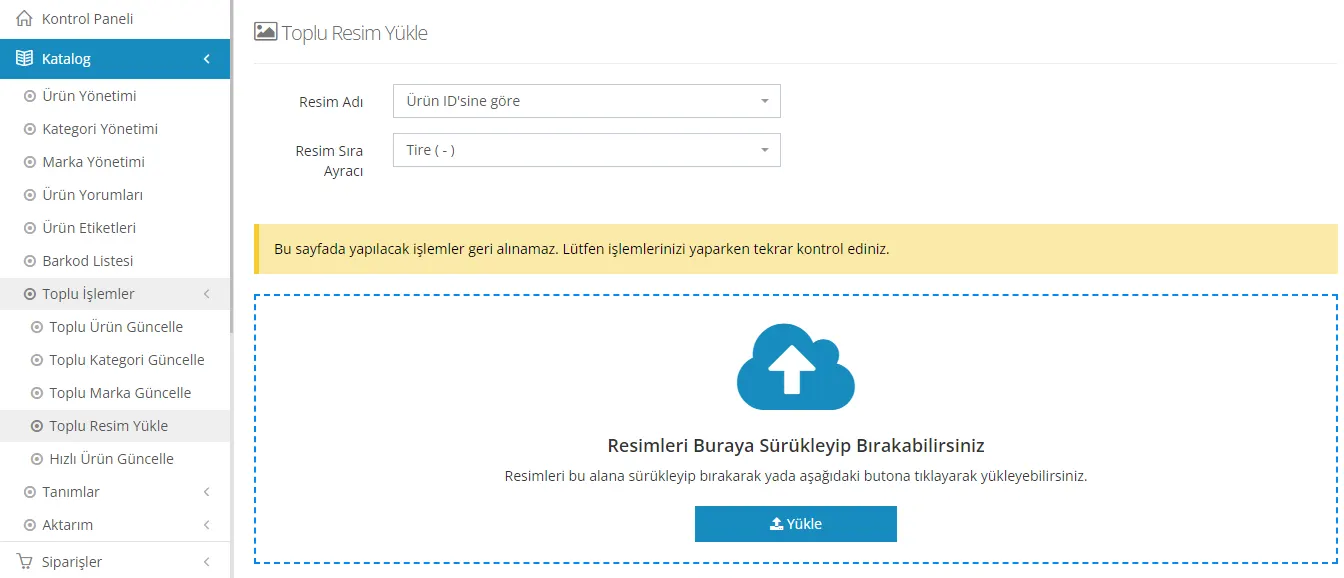
Thanks to the bulk image upload feature, it is possible to add images to products using parameters such as barcode, stock code or product ID number. This way, images can be added to a large number of products quickly and easily. If you would like more information, you can visit the Bulk Image Upload Training page.
Product Variations
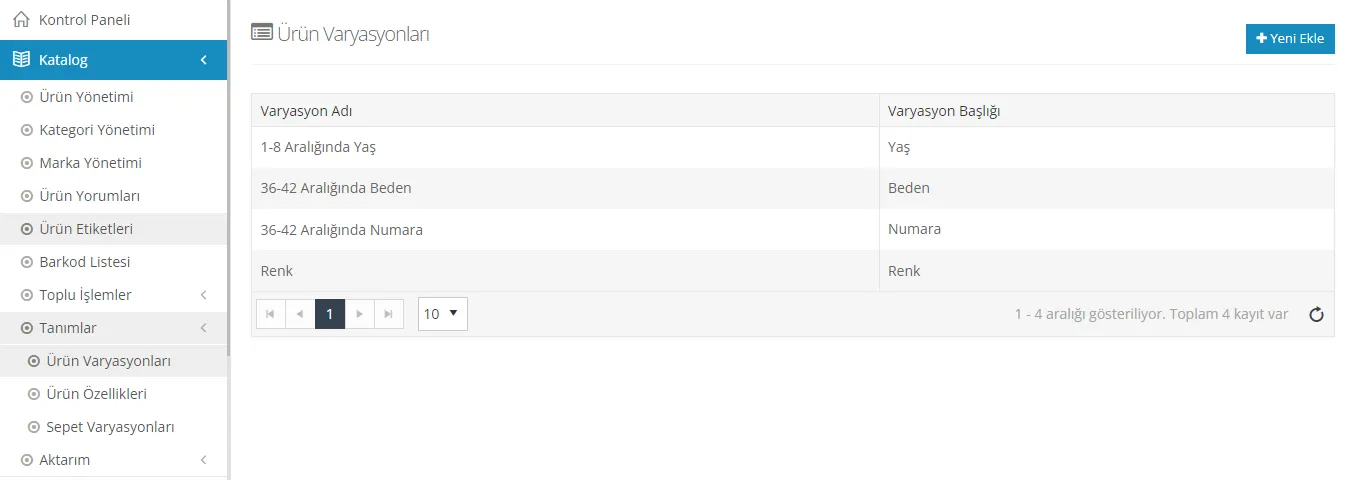
Thanks to the product variations feature, different variation types can be created for a product and these types and values can be assigned to products. For example, variations such as color and size can be added for a T-shirt product. This way, customers are offered a wider range of options. If you would like more information, you can visit the Product Variations Training page.
Product Attributes
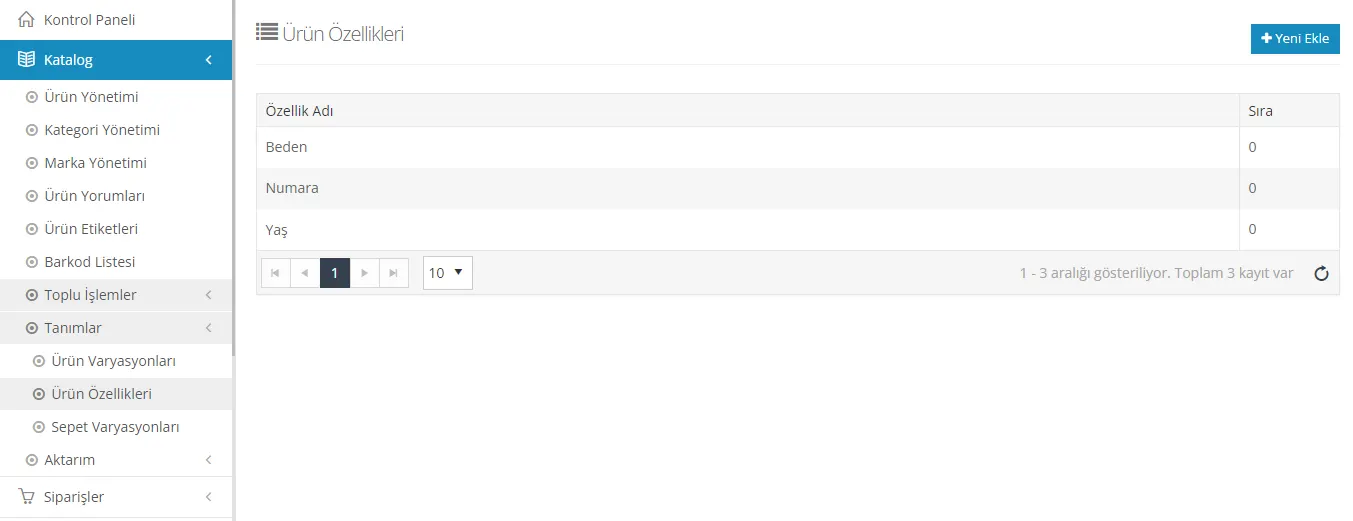
The product features tab is an area where detailed features can be defined for products. For example, specific features such as processor speed, RAM amount and screen size can be added from this area for a mobile phone. This allows customers to examine products in more detail. For more information, you can visit the Product Features Training page.
Cart Variations
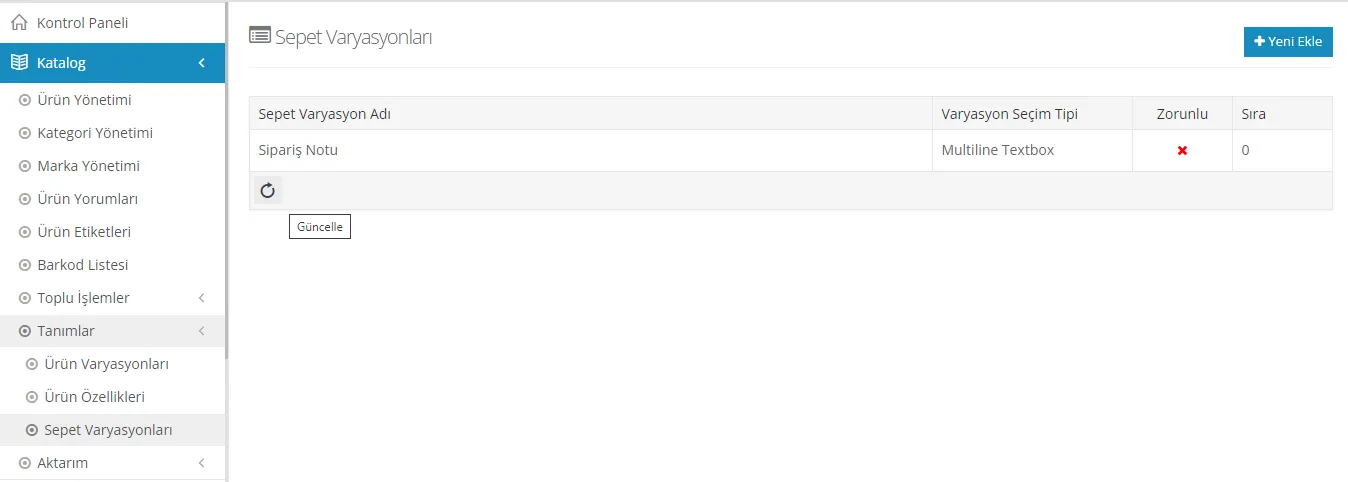
The cart variations tab is used to add extra features and options to the shopping cart. For example, it is possible to offer customers a gift wrap option or to create a field where they can leave an order note. This way, the customer experience can be made more personalized. For more information, you can visit the Cart Variations Training page.
In this comprehensive guide, we explained how you can use a series of important features, from product management to cart variations, most effectively on your e-commerce platform. These features can help your business grow and improve your customer experience. Competition in the world of e-commerce increases every day, so it is important to use all the features of your platform effectively. Good product management and a detailed category structure help users find what they are looking for easily. In addition, product reviews and tags can make a great contribution to your SEO efforts. This guide aims to inform you about how you can use your platform in the best way. Remember, always stay up to date and follow the innovations!