Configuration
Lazy Logo Management
What Is a Lazy Logo? It is the logo shown in the background of the product placeholders while your product photos are loading as your page opens.
In This Tutorial
What Is a Lazy Logo?
It is the logo shown in the background of the product placeholders while your product photos are loading as your page opens.
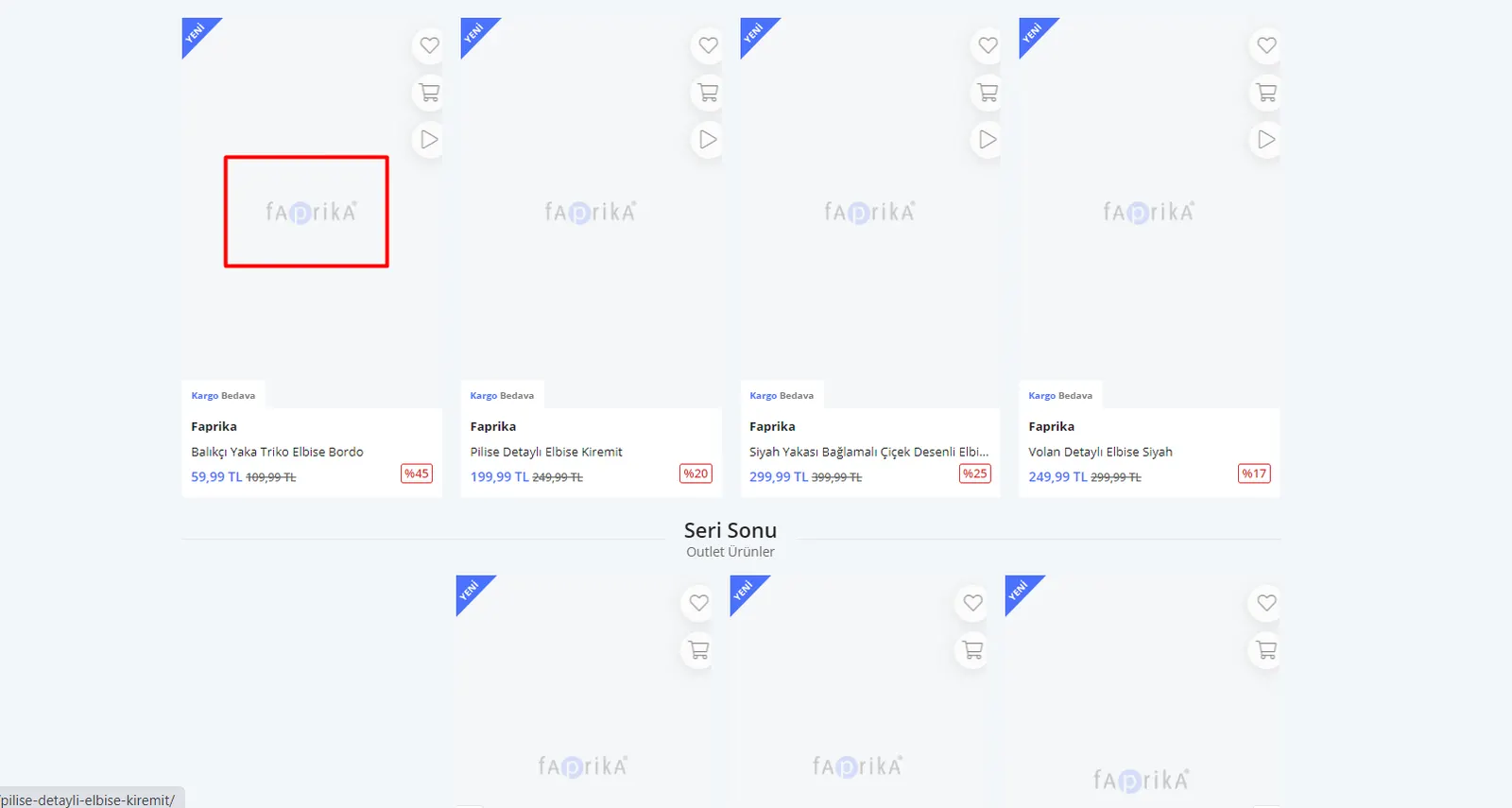
How Do You Upload a Lazy Logo?
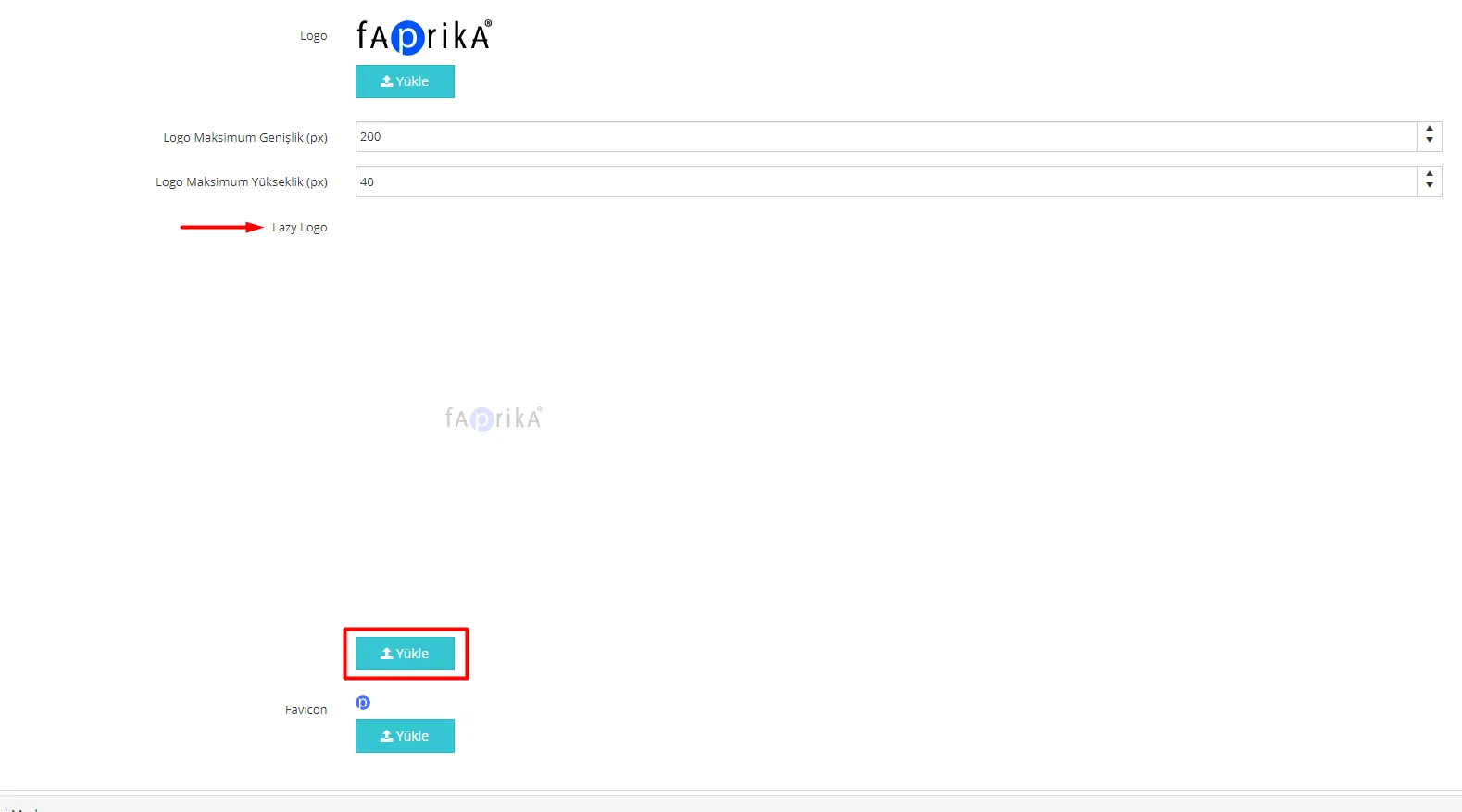
Follow the steps “Configuration >> Settings >> General Settings”, then on the screen that appears, choose the relevant image with the “Upload” button under the “Lazy Logo” label and click “Save”.
Warning: If your lazy logo does not change when you want to replace your current one, please do not keep uploading it repeatedly. To avoid reloading the logo on every page load, we keep logos in the cookie. Therefore, if you clear your cookies and cache, you can see your logo change after the first load. For information on clearing cookies, you can get help from our article How to Clear Browser Cache and Cookies.