Add-ons/Integrations
Google Adwords Setup
What Is Google Ads (Adwords)? It lets you advertise on the search network. That is, it is an advertising tool that lets you advertise your site in the search results list according to the keywords we type when searching on Google. Depending on the keywords you choose and the fee you set, you can move your site higher in Google search results. This helps you stand out more than your competitors and increase your sales figures.
In This Tutorial
What Is Google Ads (Adwords)?
It lets you advertise on the search network. That is, it is an advertising tool that lets you advertise your site in the search results list according to the keywords we type when searching on Google. Depending on the keywords you choose and the fee you set, you can move your site higher in Google search results. This helps you stand out more than your competitors and increase your sales figures.
Google Ads Faprika Integration Setup
Enter the "Conversion ID" and "Conversion Label" provided by Google Ads in the relevant fields under "Add-ons >> Google Adwords" in the Faprika panel, tick the "Active" box, and save.

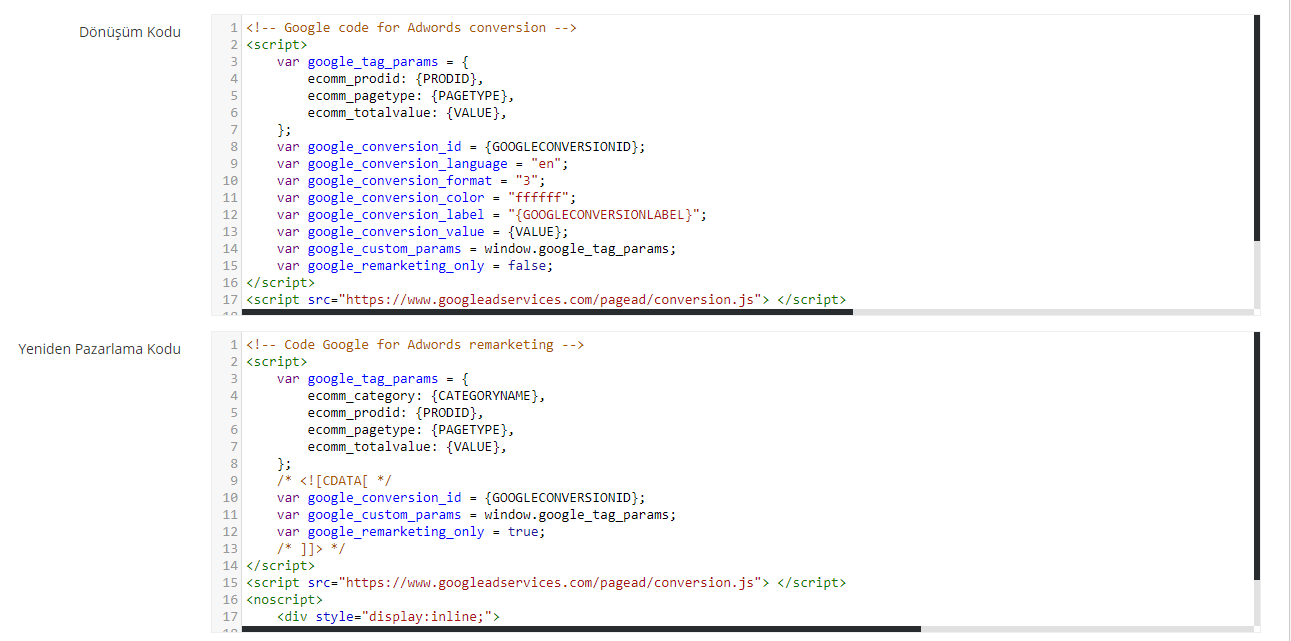
Warning: If you do not have sufficient coding knowledge, changes made in the "Conversion Code" and "Remarketing Code" fields will affect the operation of the integration. The codes in this field are reliable ADS codes prepared by our advertising team.
What Is a Restricted User and How Is It Defined?
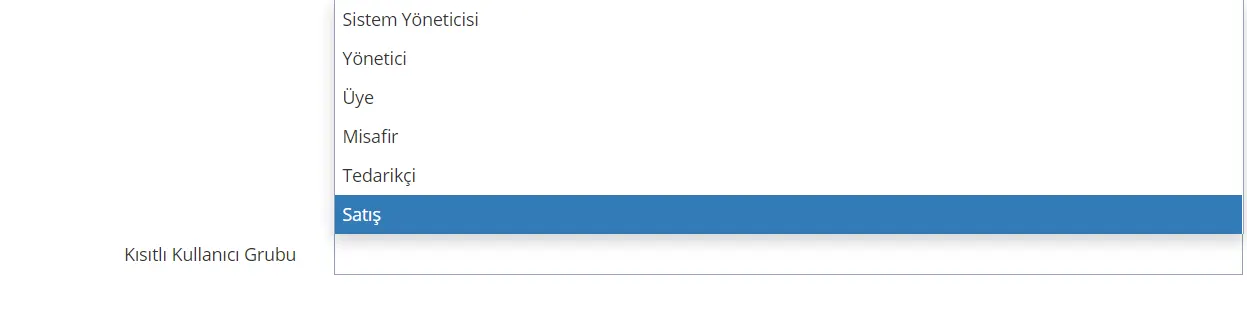
It is used to prevent the actions that the users you specify take on your site from being passed to Google Adwords.
To do this, after following the "Add-ons >> Google Adwords" steps, you can get more reliable results by specifying, in the "Restricted User Group" field at the bottom of the page, the users whose data we do not want reflected in Google Adwords.
After completing the necessary steps in all fields, you can finish the setup of the integration by clicking SAVE.