Add-ons/Integrations
Google Analytics Setup
What Is Google Analytics? Optimizes website pages to increase conversions. Shows which type of content or products to list on your website. Measures your website's performance. Segments users into different groups. (age, gender, country, device, etc.)
In This Tutorial
What Is Google Analytics?
- Optimizes website pages to increase conversions.
- Shows which type of content or products to list on your website.
- Measures your website's performance.
- Segments users into different groups (age, gender, country, device, etc.).
How to Get a Google Analytics Tracking ID?
After signing in at www.google.com/analytics, click the “Admin” button in the top bar. Under the “Property” heading on the screen that opens, click the “Tracking Info” option and then choose “Tracking Code” from the options that appear. From this area we can get the “Tracking ID”.
How to integrate Google Analytics with Faprika?
You can add the tracking link you received to the “Tracking ID” field in the “Add-ons >> Google Analytics” tab of the Faprika Admin Panel.
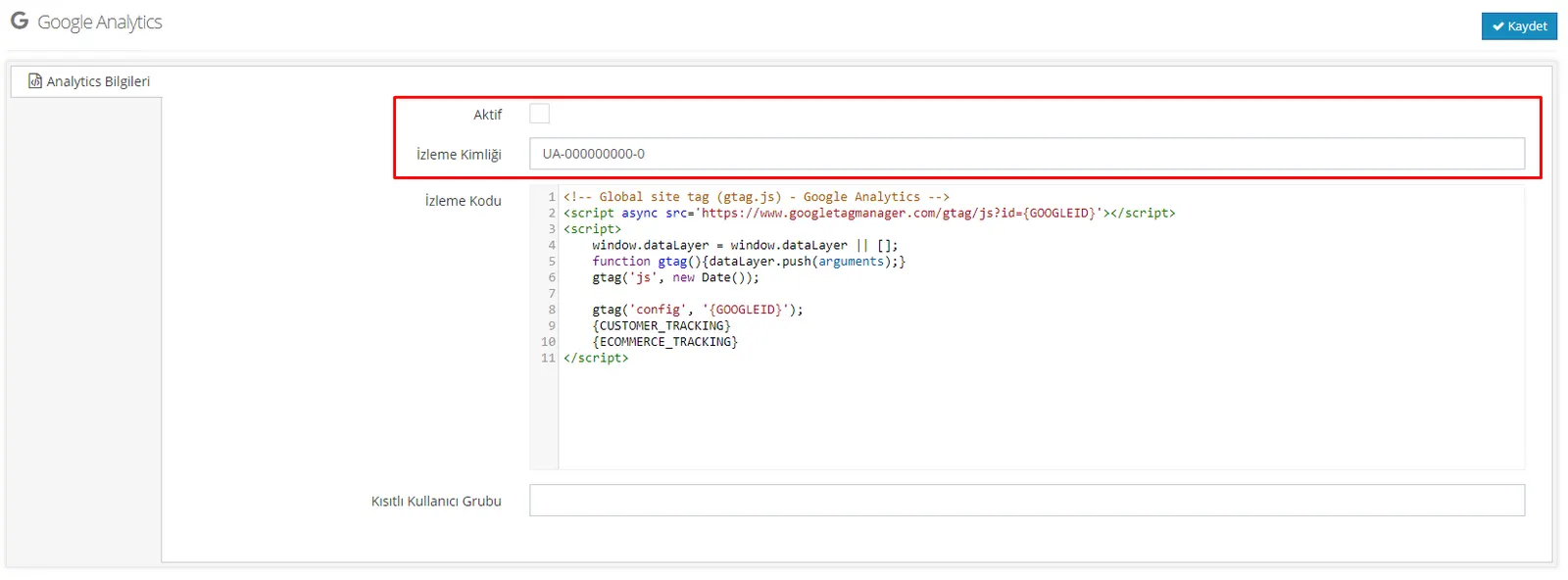
Note: If you do not have sufficient coding knowledge, do not make any changes in the “Google Analytics Code” field in the panel.
What Is a Restricted User and How Is It Defined?
It is used to prevent the order data (transactions) made on your site by the users you specify from being transferred to Google Analytics.
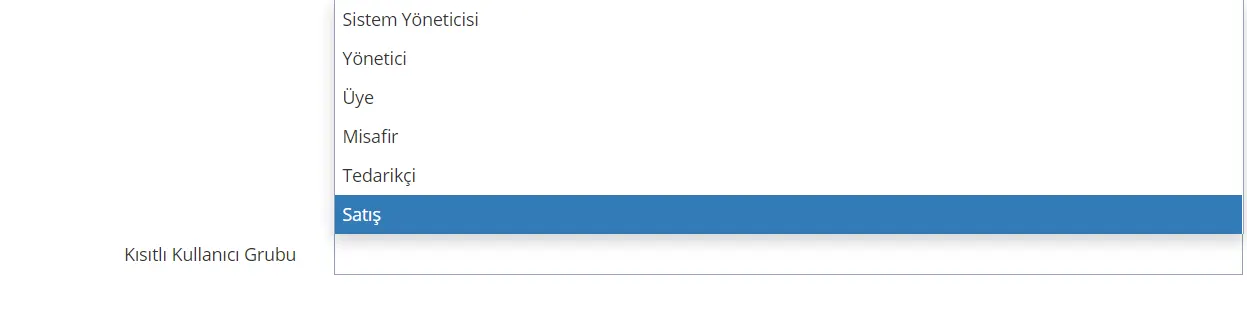
To do this, after following the steps “Add-ons >> Google Analytics”, you can get more reliable results by specifying, in the “Restricted User Group” area at the bottom of the page, the users whose data we do not want to be reflected in Google Analytics.