Configuration
Media Settings Management
What Are Media Settings? This is the area where you can adjust settings related to the canvas sizes and pixel ratios, that is, the resolutions, of your images.
What Are Media Settings?
This is the area where you can adjust settings related to the canvas sizes and pixel ratios, that is, the resolutions, of your images.
What Are Media Settings Used For?
When you upload any image to the panel, the system converts and saves it in 3 different sizes and qualities. If the original of the image you uploaded is high resolution but it looks low quality once uploaded to the panel, you can adjust the pixel ratios of images under “Configuration >> Settings >> Media Settings”.
Now let's examine these fields one by one.
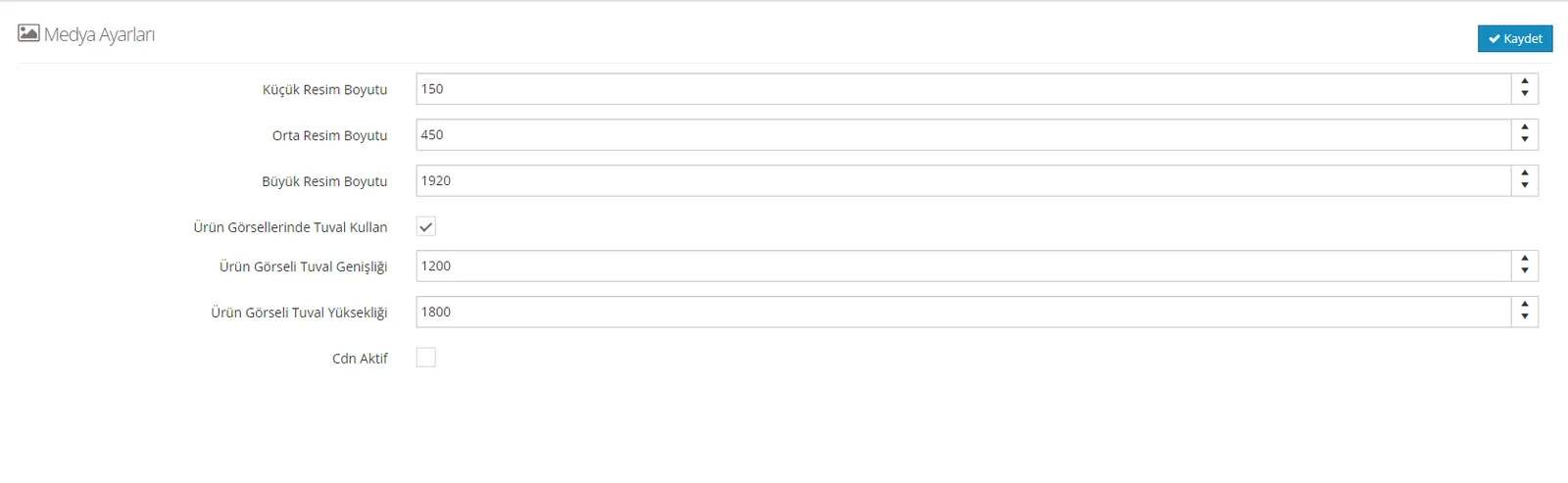
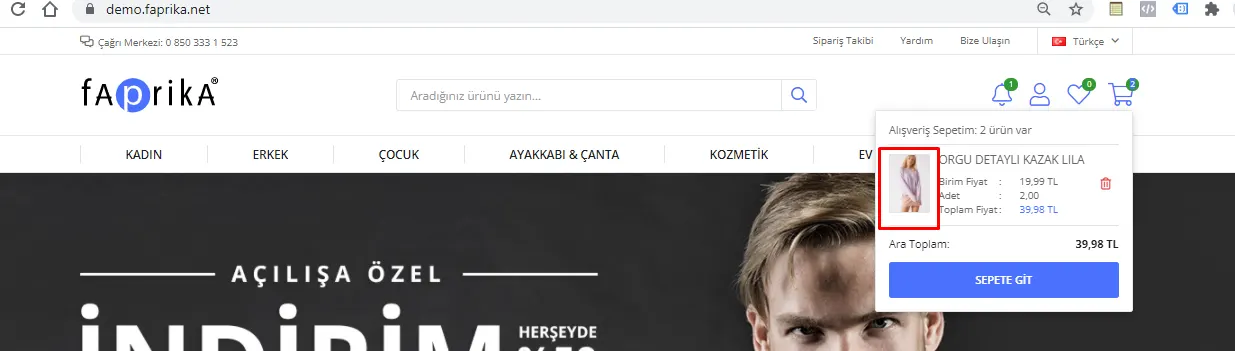
Thumbnail Size: We can edit the images that appear in the cart preview and order completion screens from this field.
Cart preview
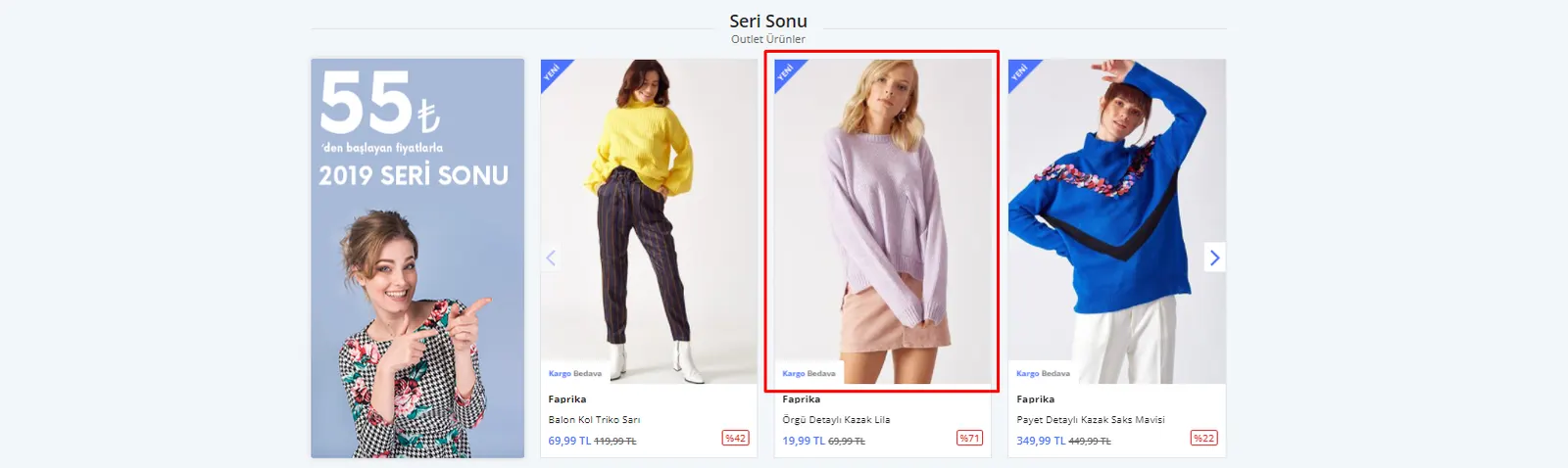
Medium Image Size: We can edit this field to improve the display quality of images on the storefront view and category listing screens.
Storefront view
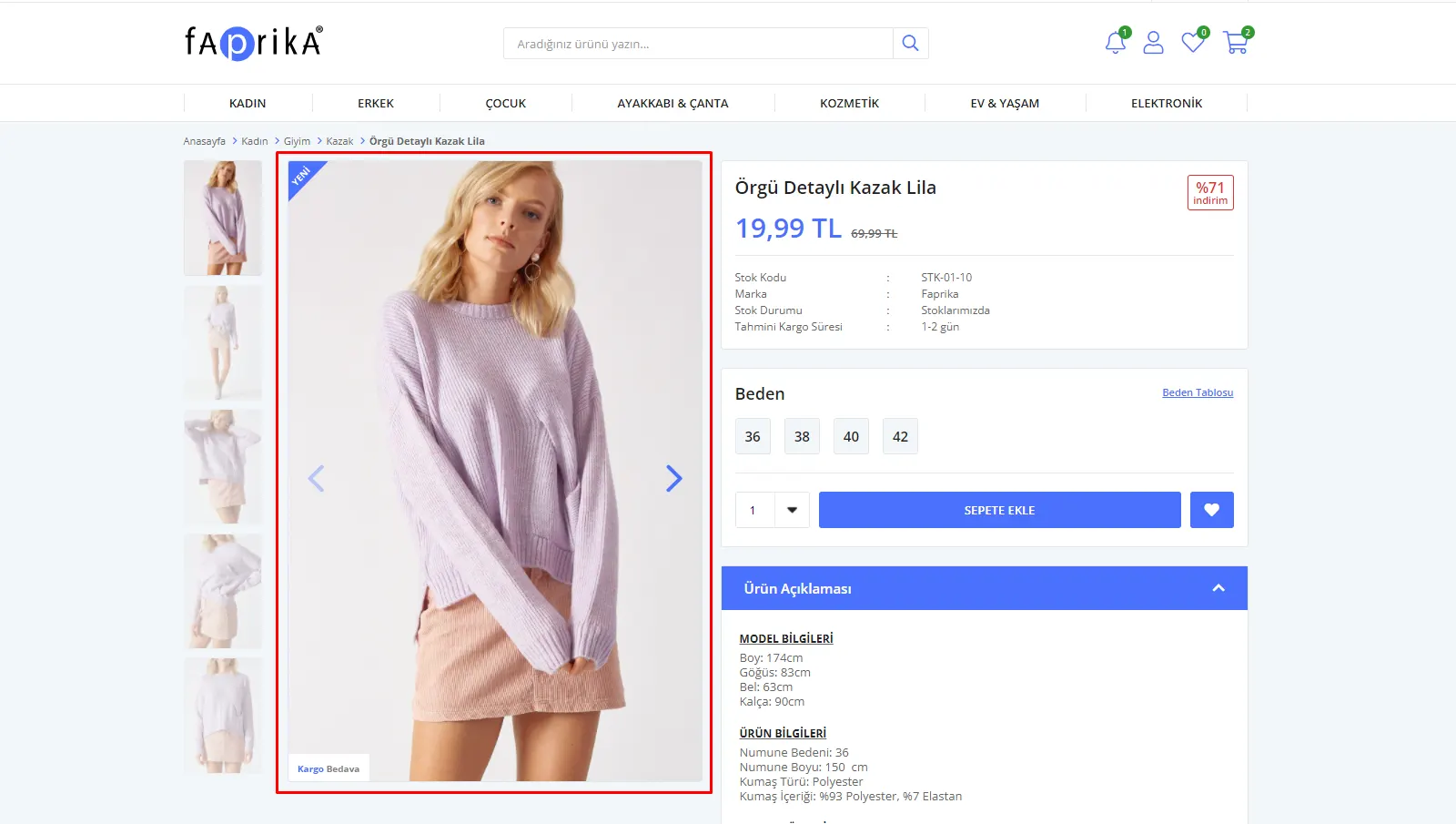
Large Image Size: If we want to improve the image quality on the product detail page, we can edit this field.
Product detail view
Canvas Width: We can edit the width of the frames that contain the products in this field.
Canvas Height: We can edit the height of the frames that contain the products in this field.
Cdn: If you use a CDN so that your images load faster on your website, you can enter its URL in this field.
Warning: Changes you make to canvas sizes apply only to newly added products. They do not affect the canvas sizes of products that already exist in the panel. If you want to change the sizes of existing products, you need to delete the products and upload them again.