Users
User Management
In this area, you can easily view and manage detailed information on all users of your website. With advanced filtering options, Excel integration and detailed user profiles, user management is now much easier. Whether you want to add a new user or update an existing user's order or address information, everything is possible from this panel.
In the e-commerce infrastructure offered by Faprika, user management holds an important place. The Users section allows you to store and manage all the information of your customers and other users in a central location. This training content aims to walk you step by step through the features in the "Users" section. Here you will find many details, from how to apply advanced filters to how to export customer data to Excel. With the images next to each step, you will understand the topics better.
All users registered on your website can be viewed easily in this section. Thanks to advanced filtering options, you can quickly and effectively reach user information using different parameters such as User Group, Email Address, Full Name, Phone Number and Date of Birth.
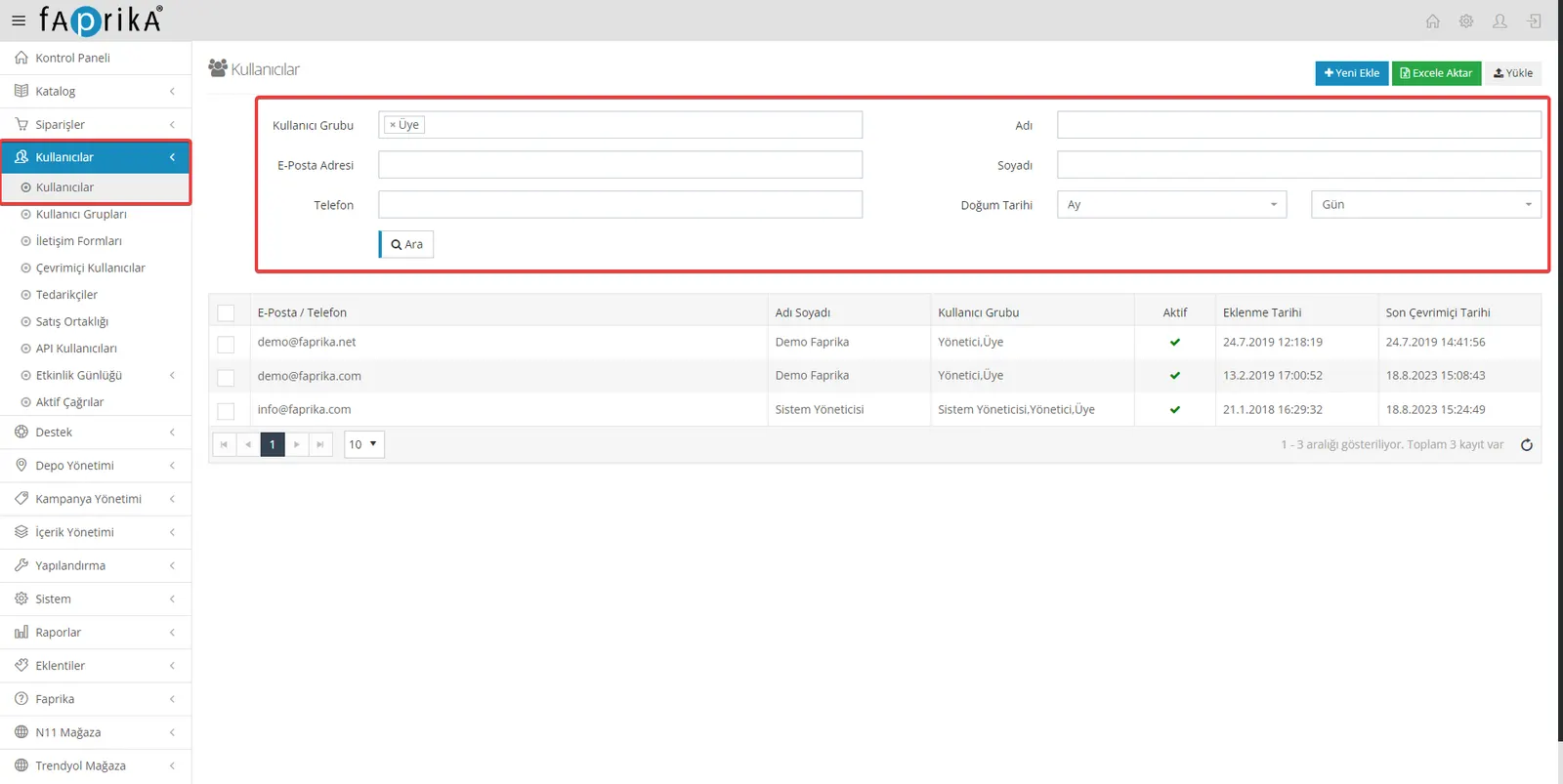
If you want to add a new user, you can do so with the 'Add New' button. At this stage, there are many different details and properties you can assign to your user.
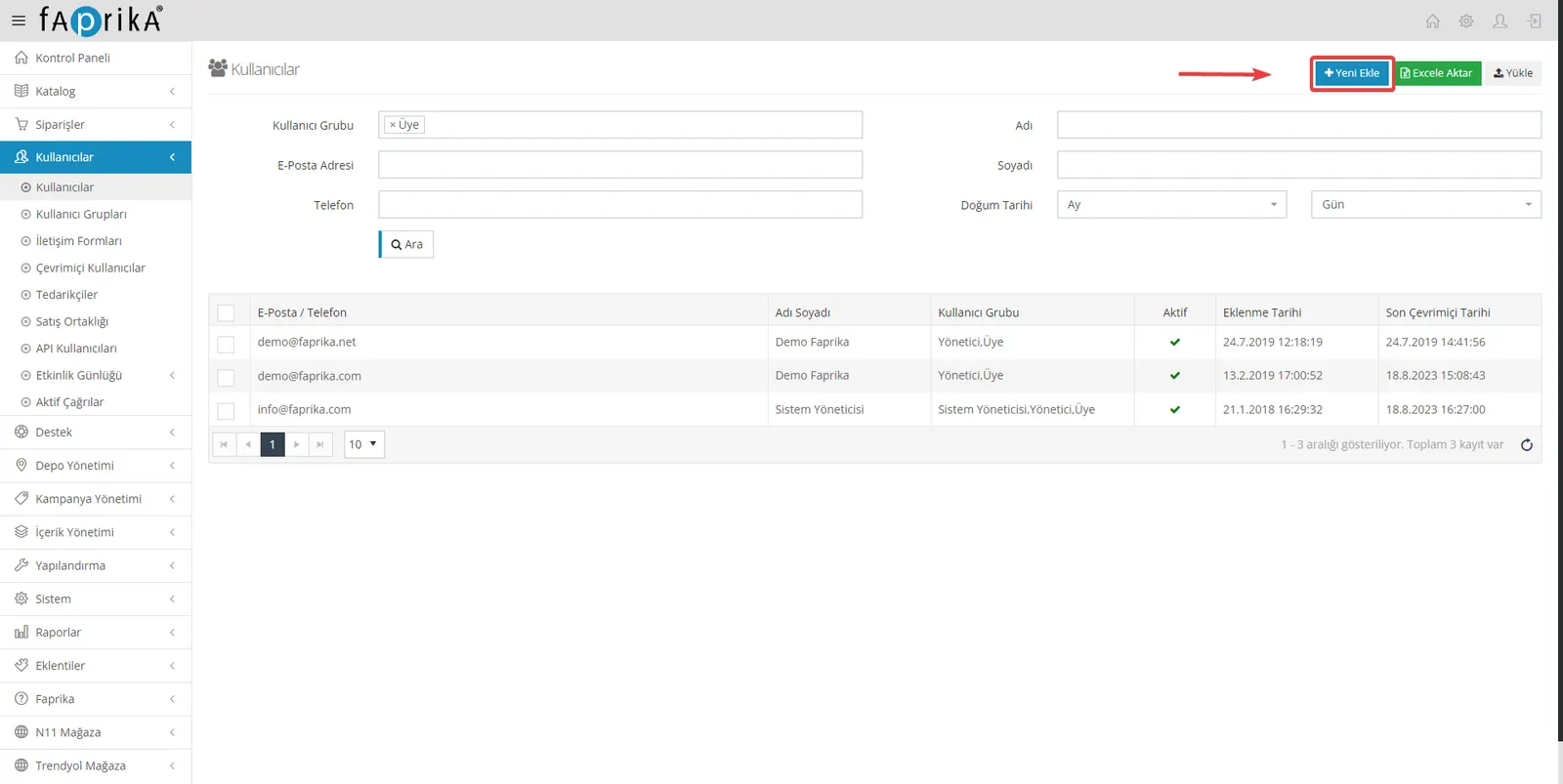
You can export all your user data to Excel format and examine user information in Excel. You can also edit your user data in bulk using our Excel template and then easily upload it to your website.
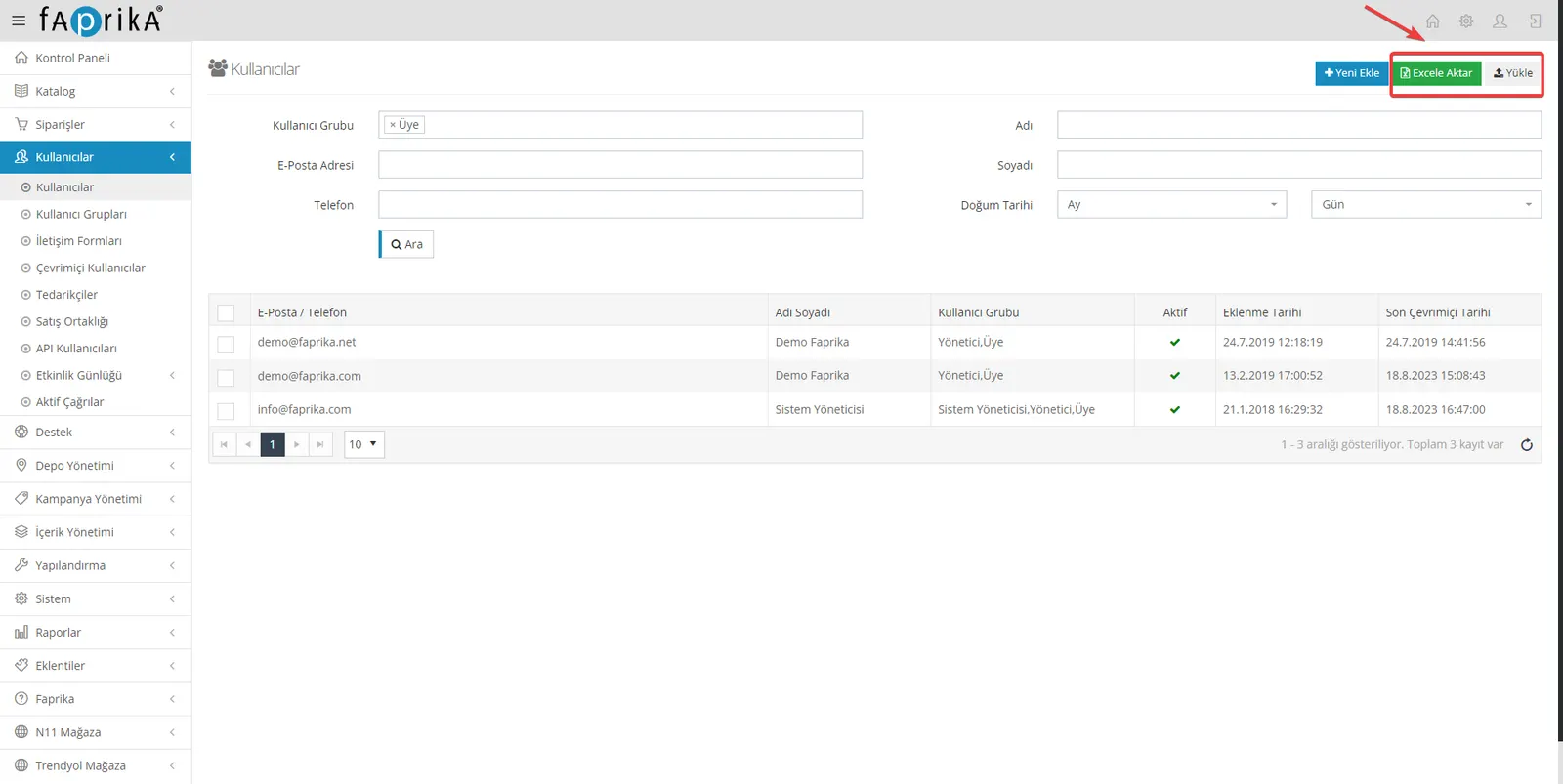
In the Users tab, you can fully update the profile information of any user you want. You can add various details such as user-specific groups, supplier information or affiliate status. You can also add important information or notes about your customer in the admin note section.
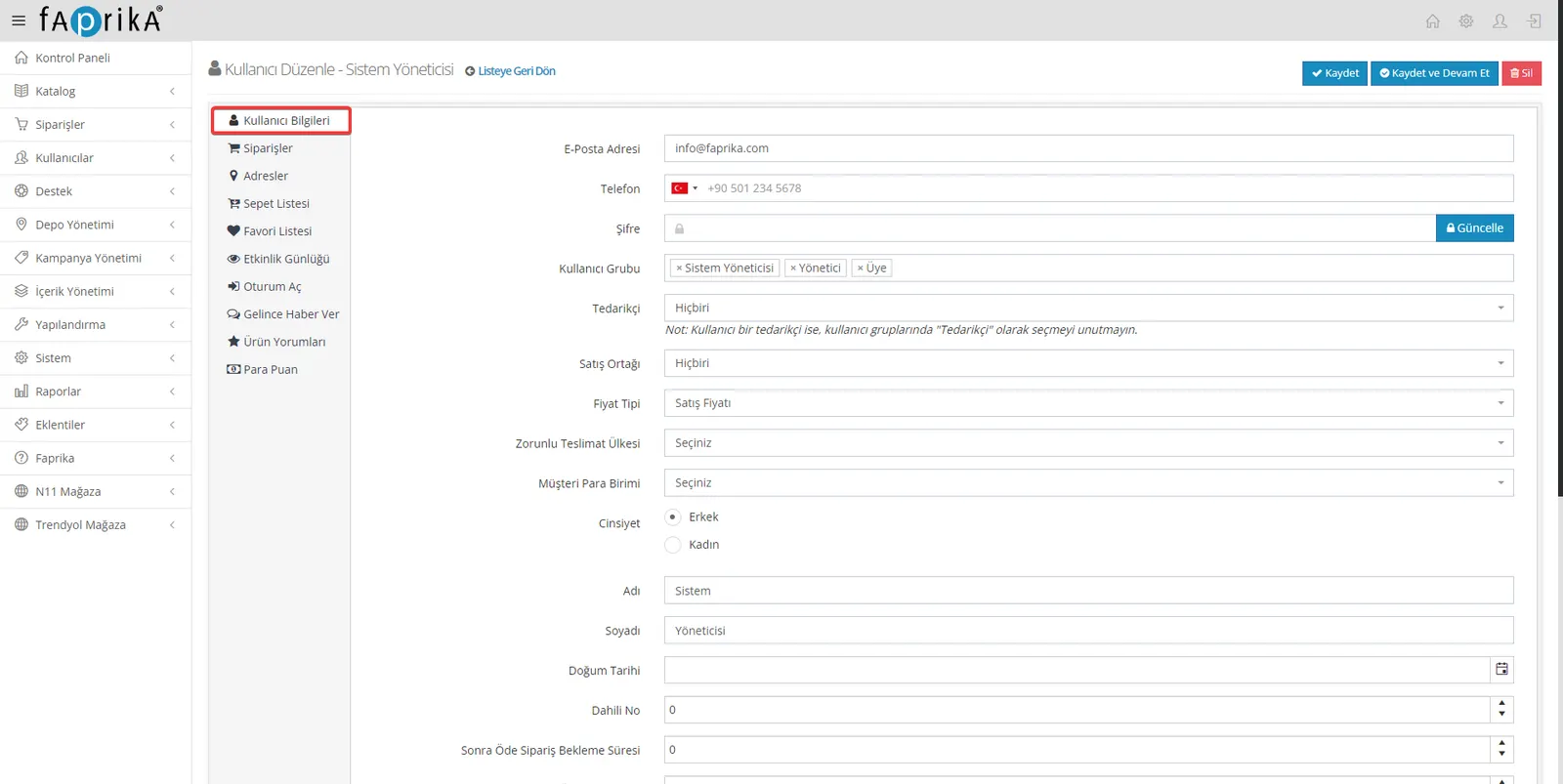
From your customer's order history to address information, cart and favorites lists, you can examine every detail in this area and edit it when necessary. Likewise, you can view 'Notify Me When Available' requests for out-of-stock products, customer reviews and accumulated money points.
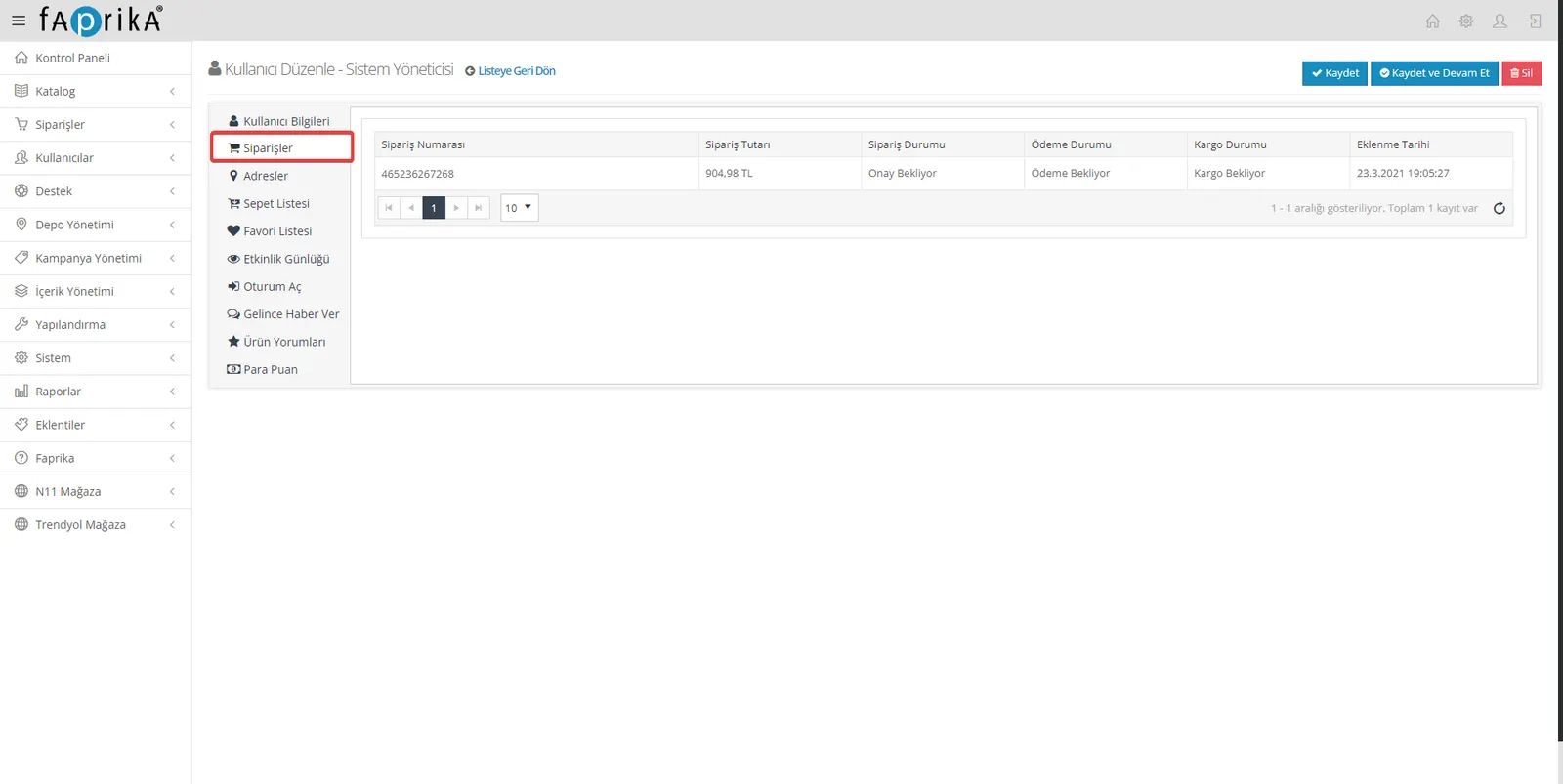
Orders: In this section, you can view all of your user's orders, and you can also access detailed order information by clicking the order number.
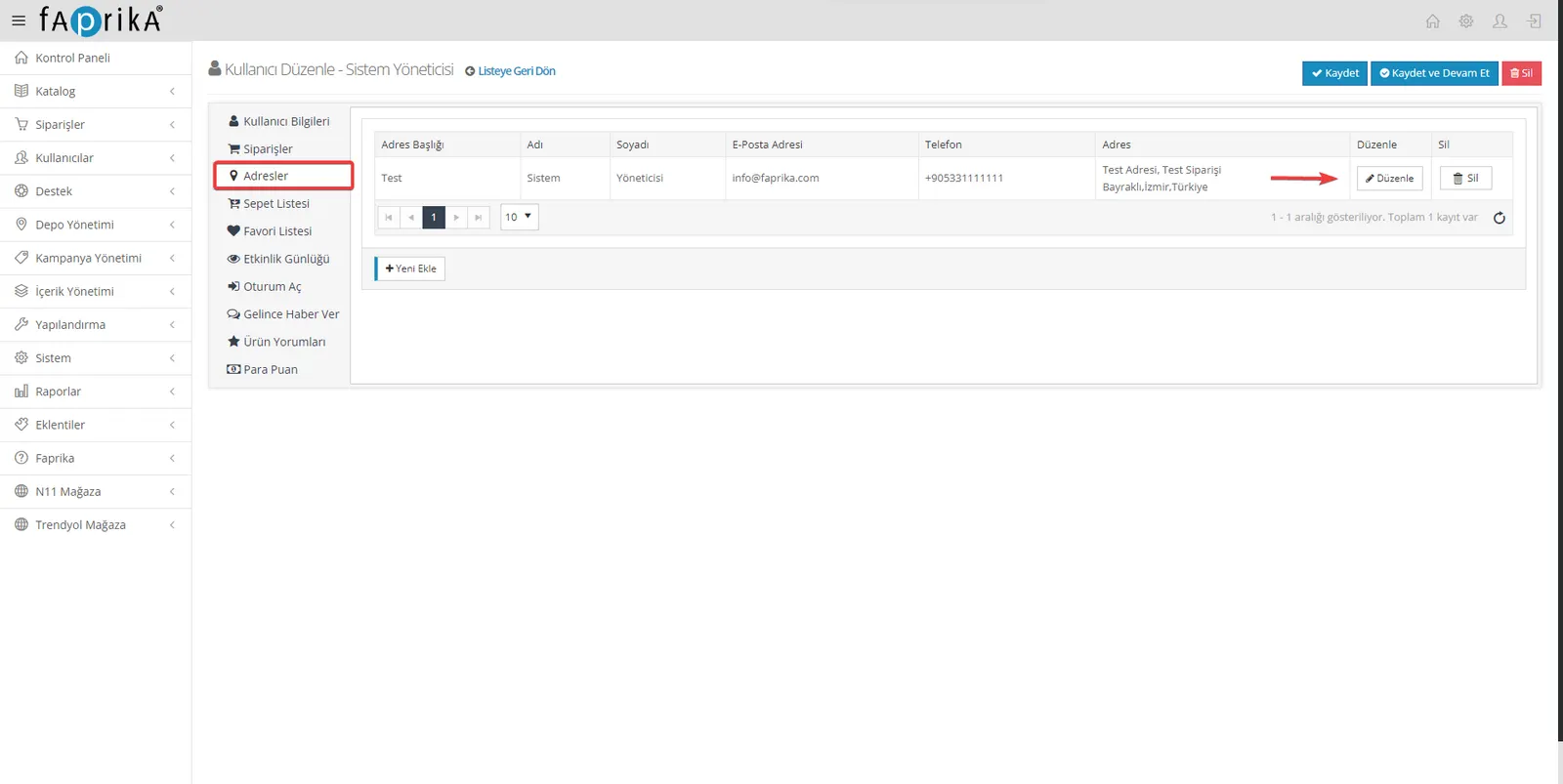
Addresses: You can view your user's saved addresses in this section; you can edit or remove the address information whenever you want.
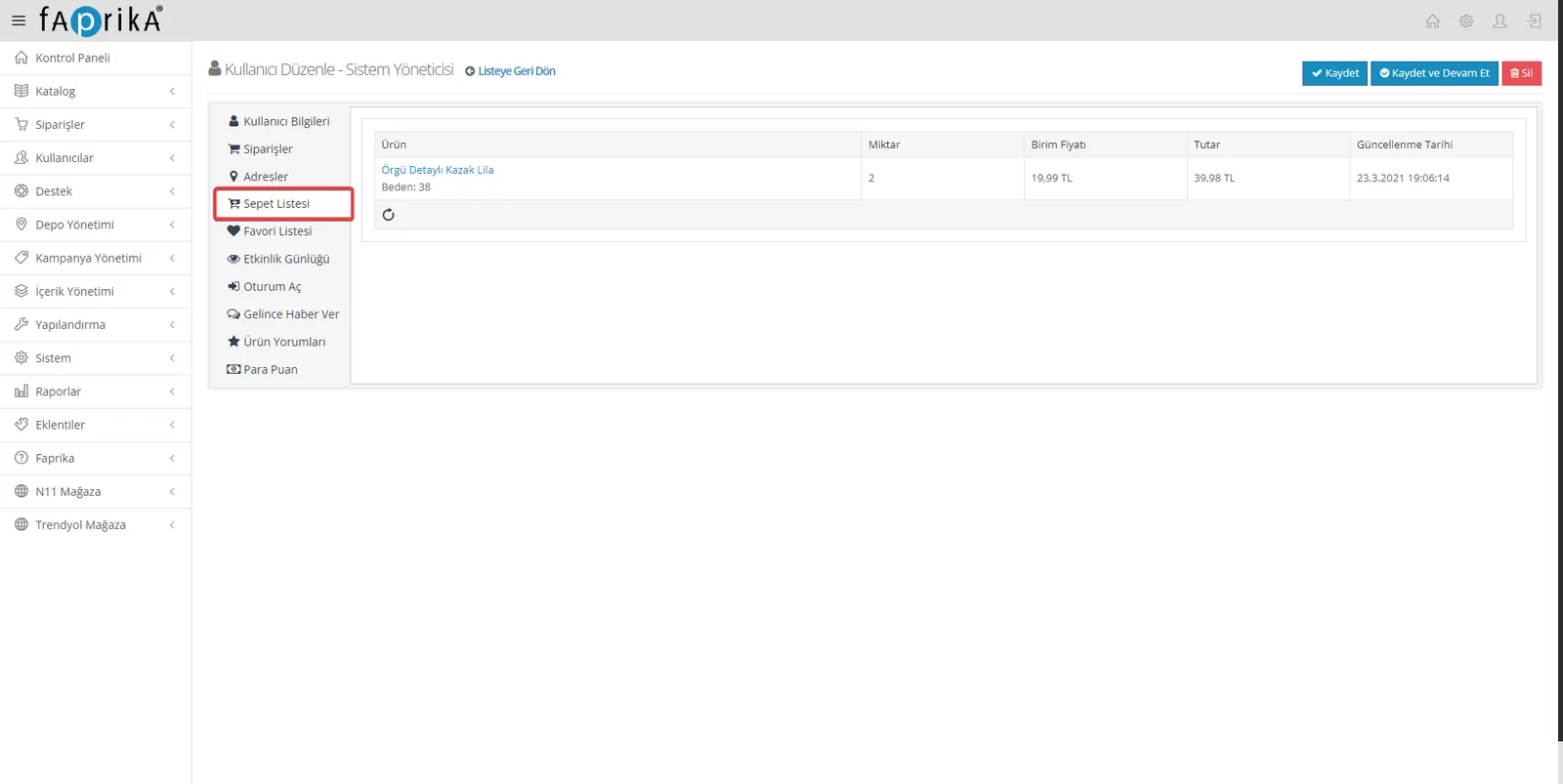
Cart List: You can see the product details, quantities and total amount in your user's cart in this section.
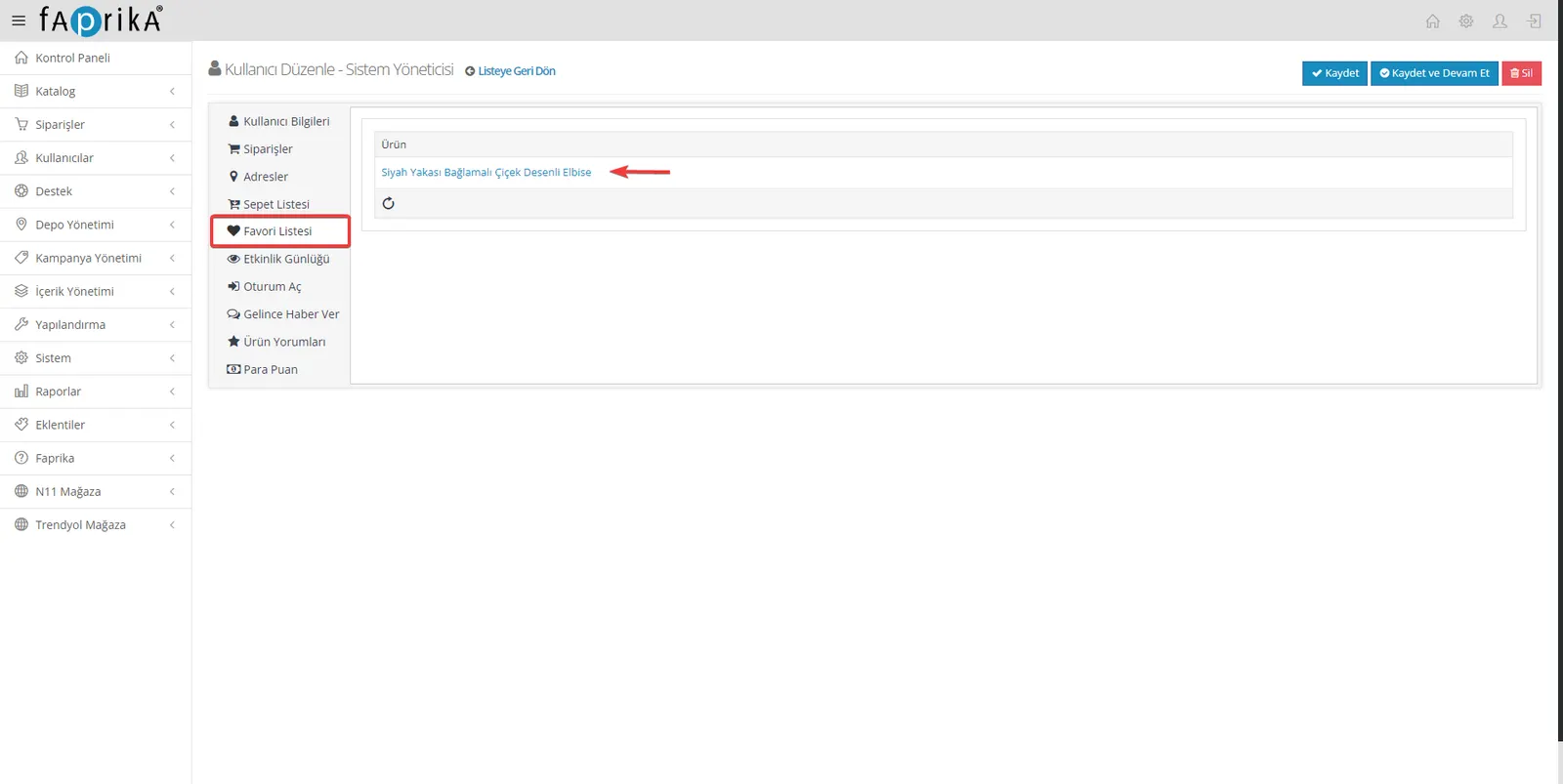
Favorites List: The products your user has added to favorites are listed in this section.
Activity Log: The activities your user has performed on your platform are recorded in this area.
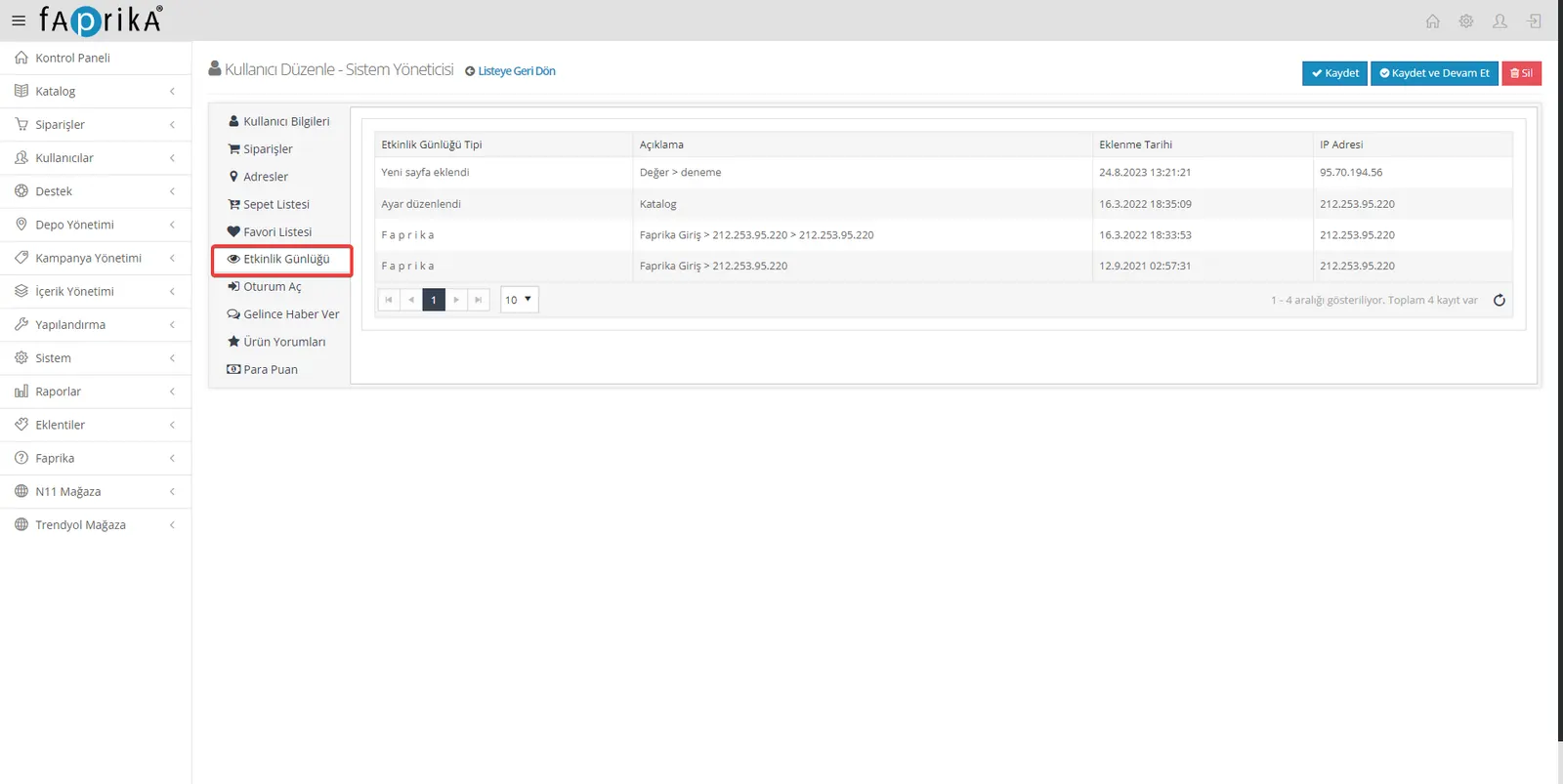
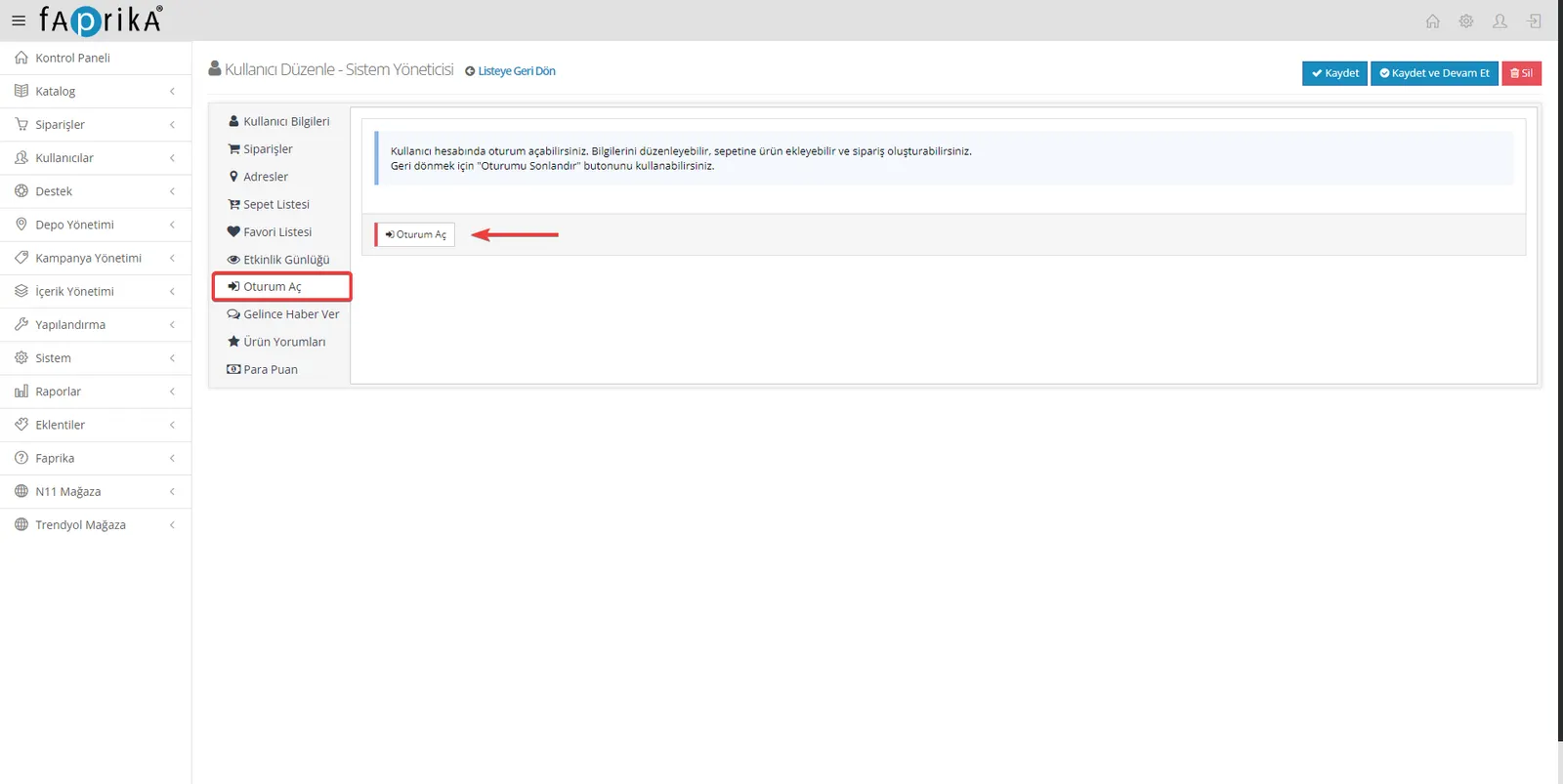
Log In: Provides access to the customer's account, letting you browse your platform on the customer's behalf.
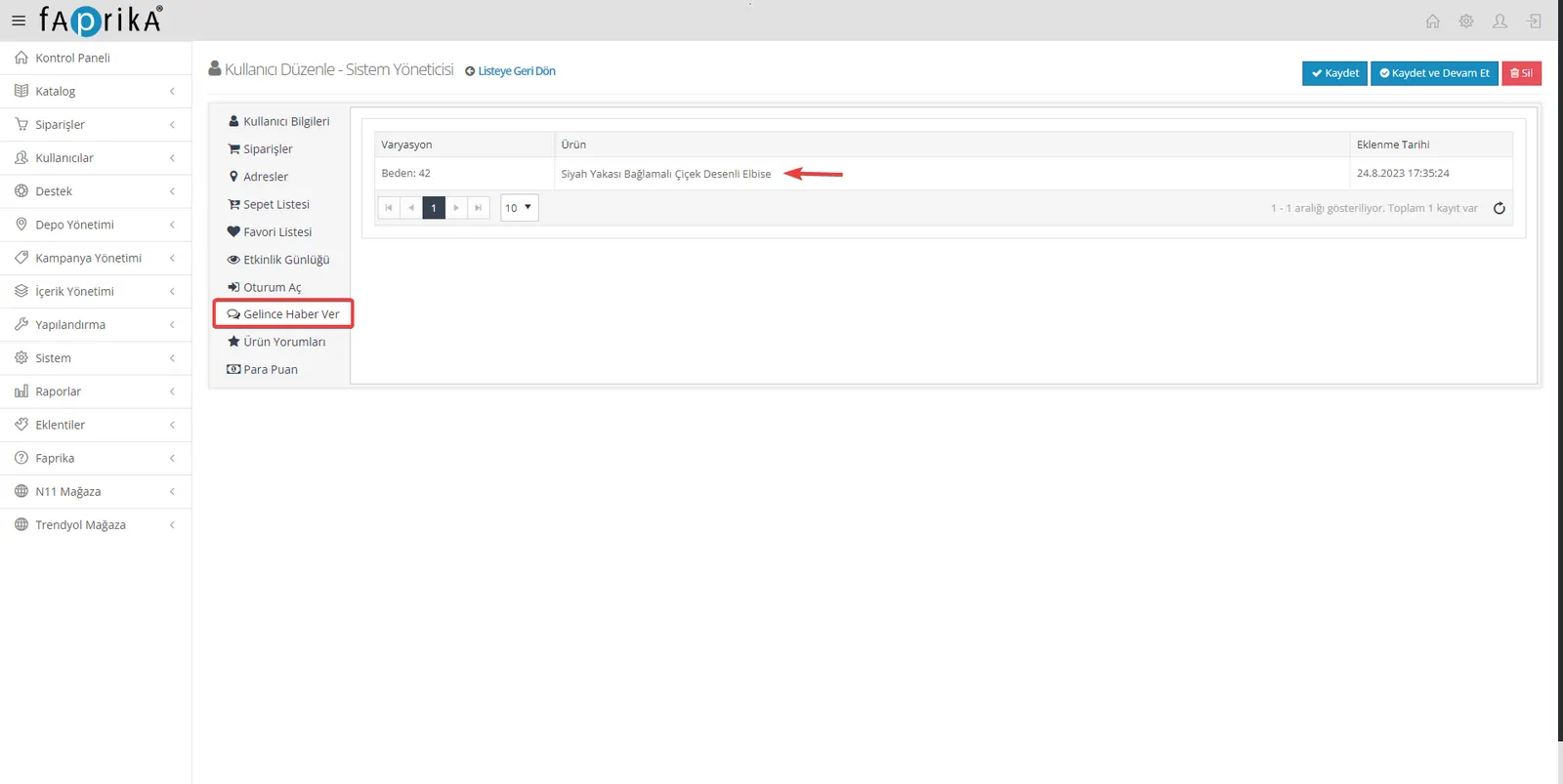
Notify Me When Available: In this section, you can see for which products your users have activated the 'Notify Me When Available' option for out-of-stock items.
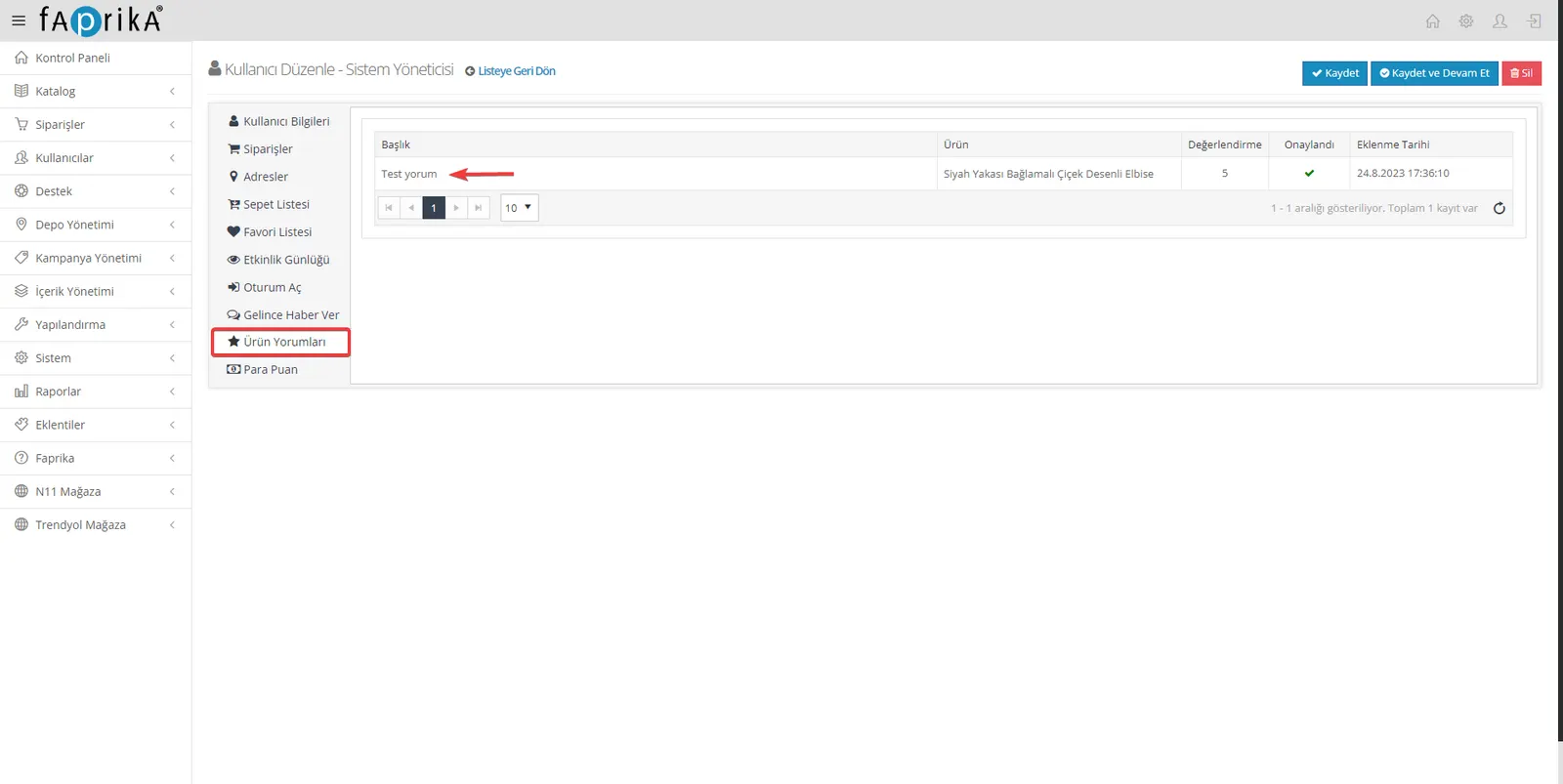
Product Reviews: In this section, you can examine in detail what kind of reviews your customers have left on products.
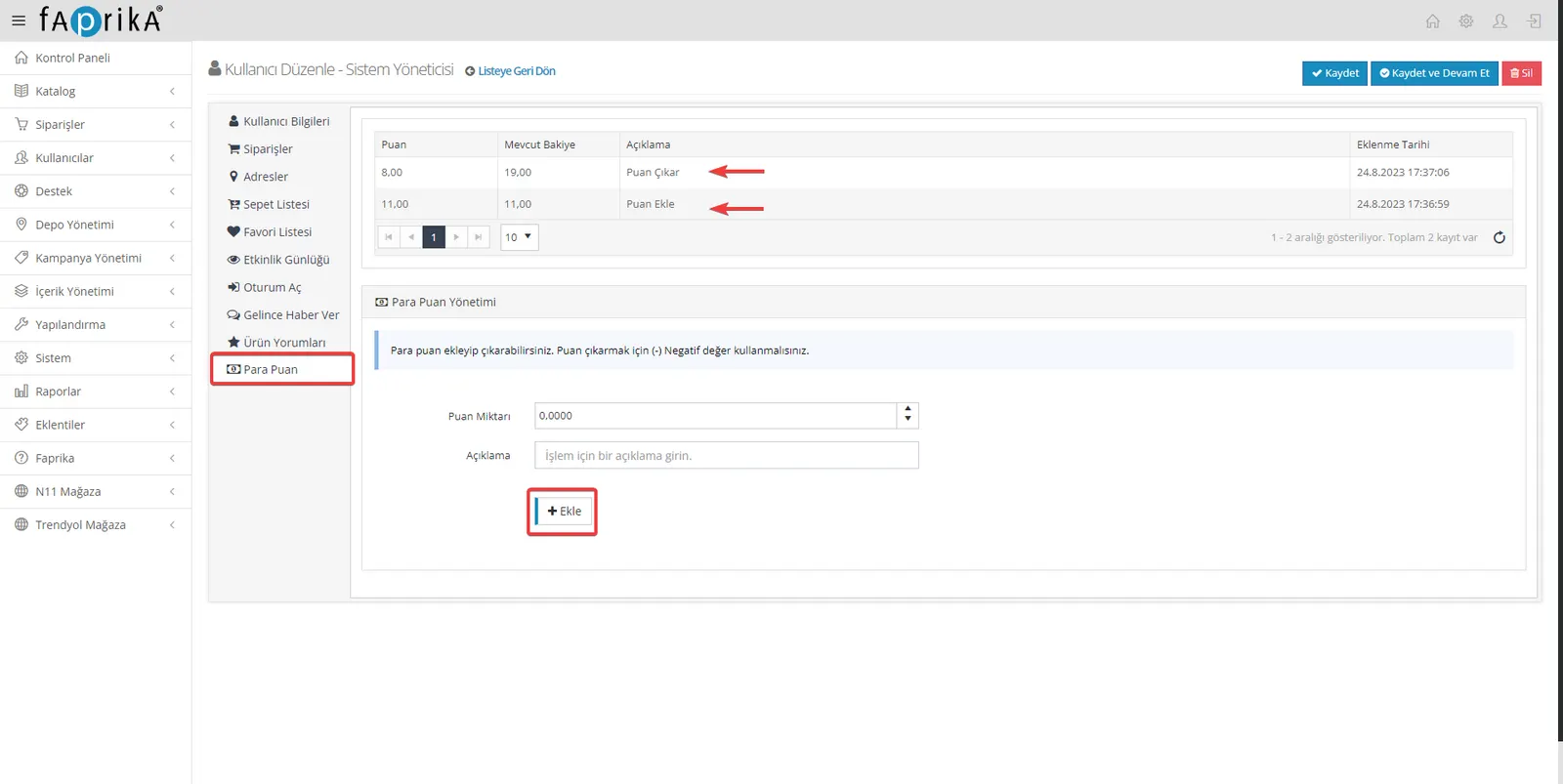
Money Points: You can add any amount of Money Points to user accounts, as well as reduce their existing points. You can also easily track the Money Points users earn or spend through orders in this section.
In summary, thanks to our user management platform, you can easily and effectively access all of your business's user data, analyze it and manage it. With broad filtering options, detailed information additions and different data transfer methods, user management is now much smoother and more effective. If you have any questions or need additional features, please contact us. We are here for your business's success.